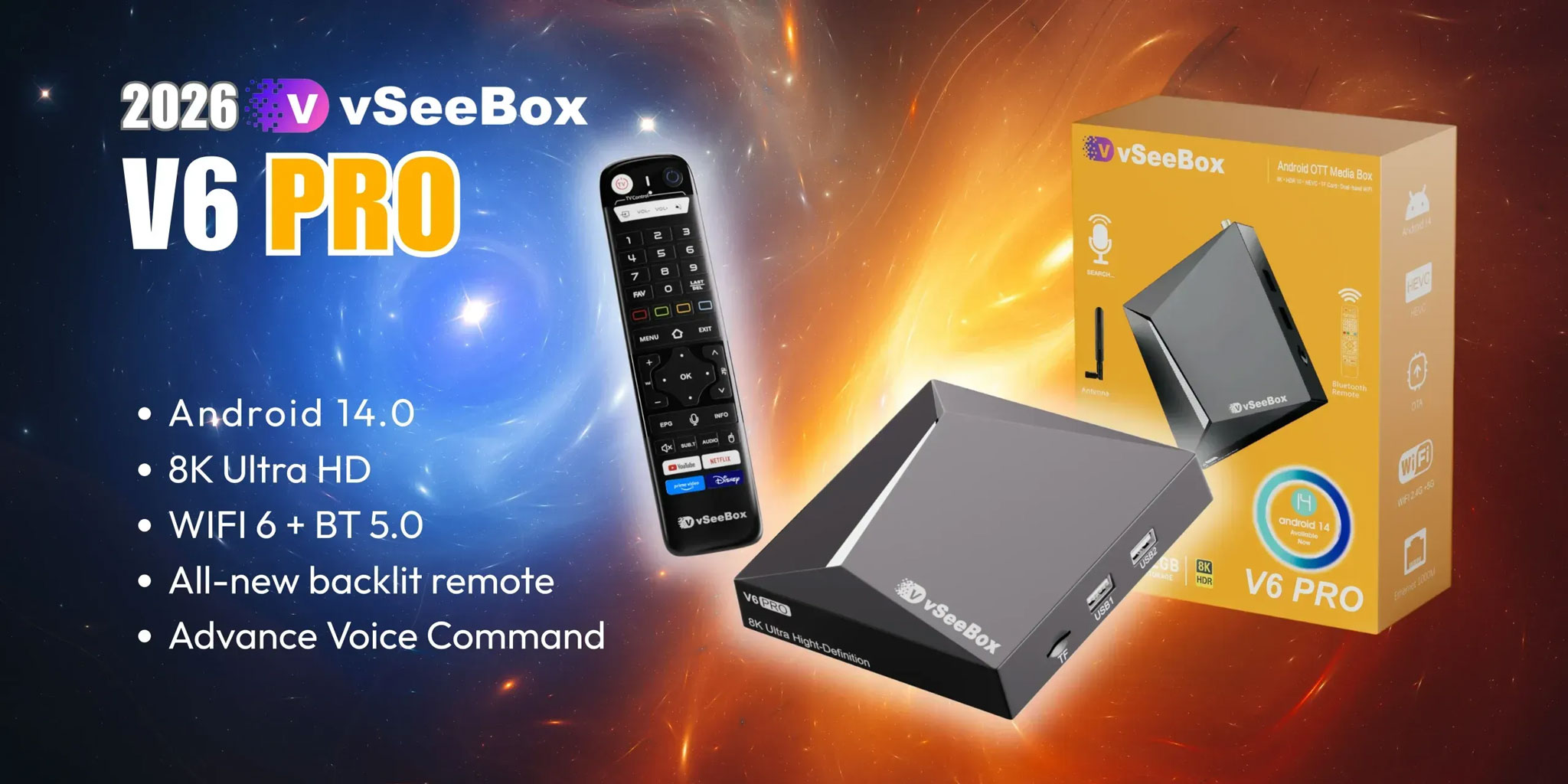
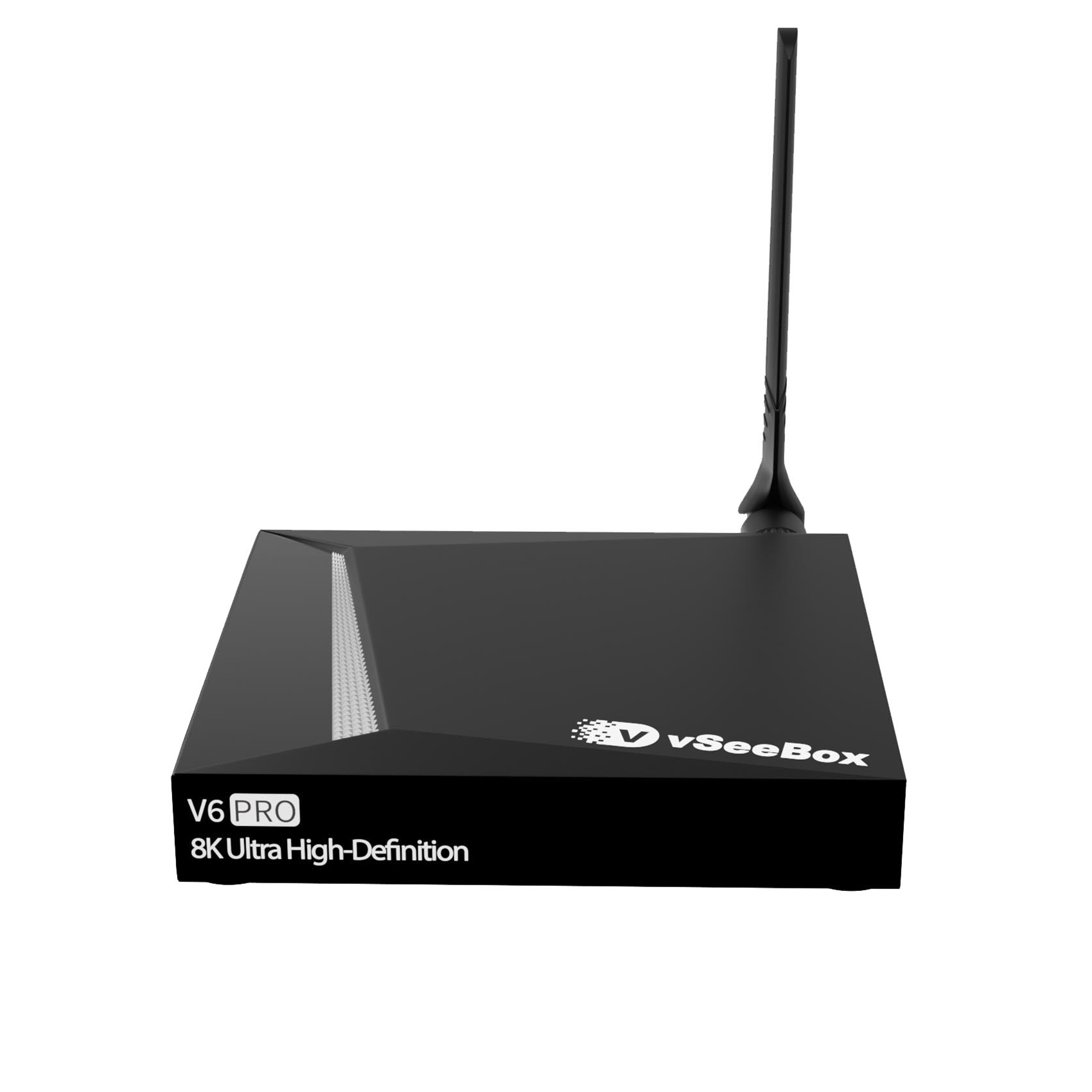
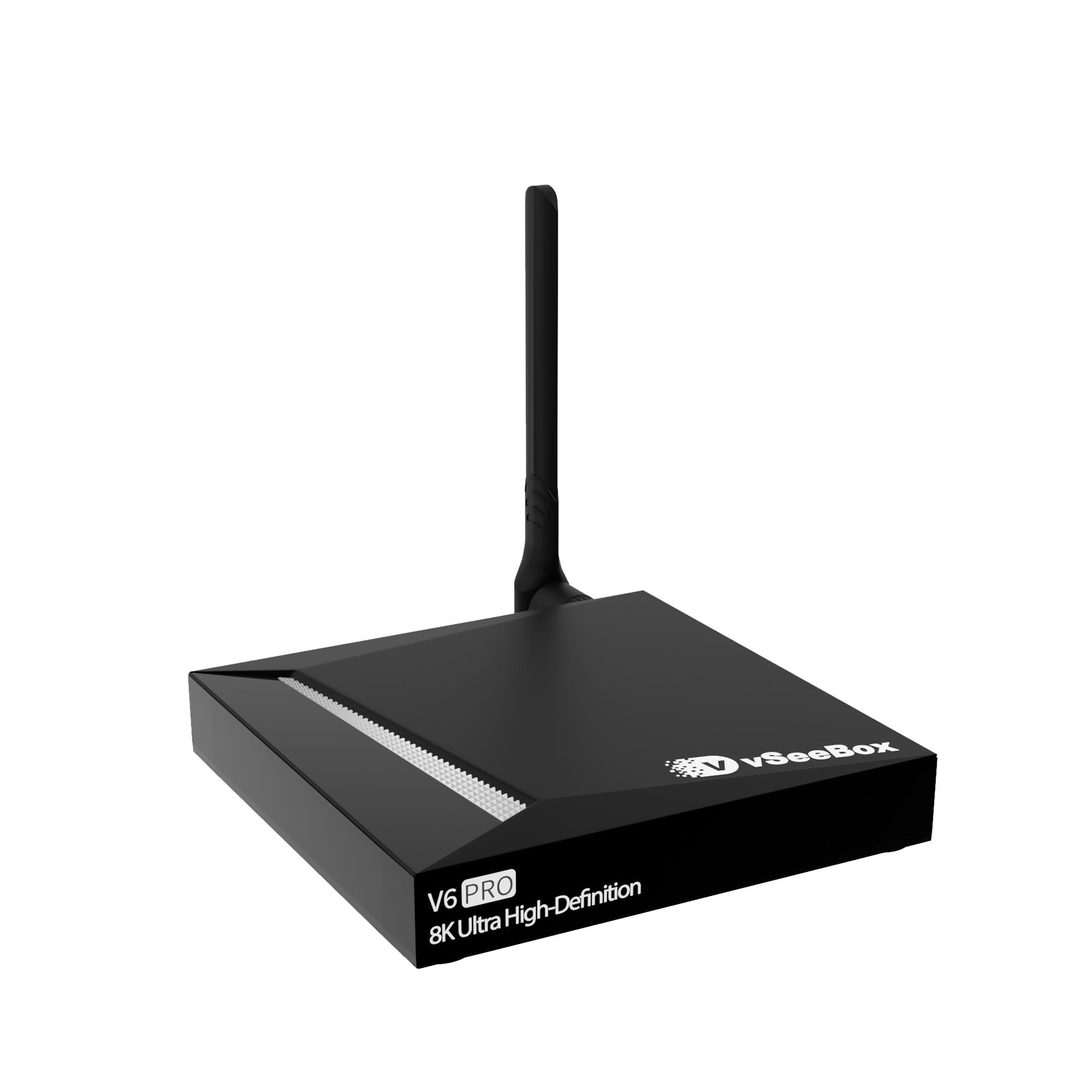
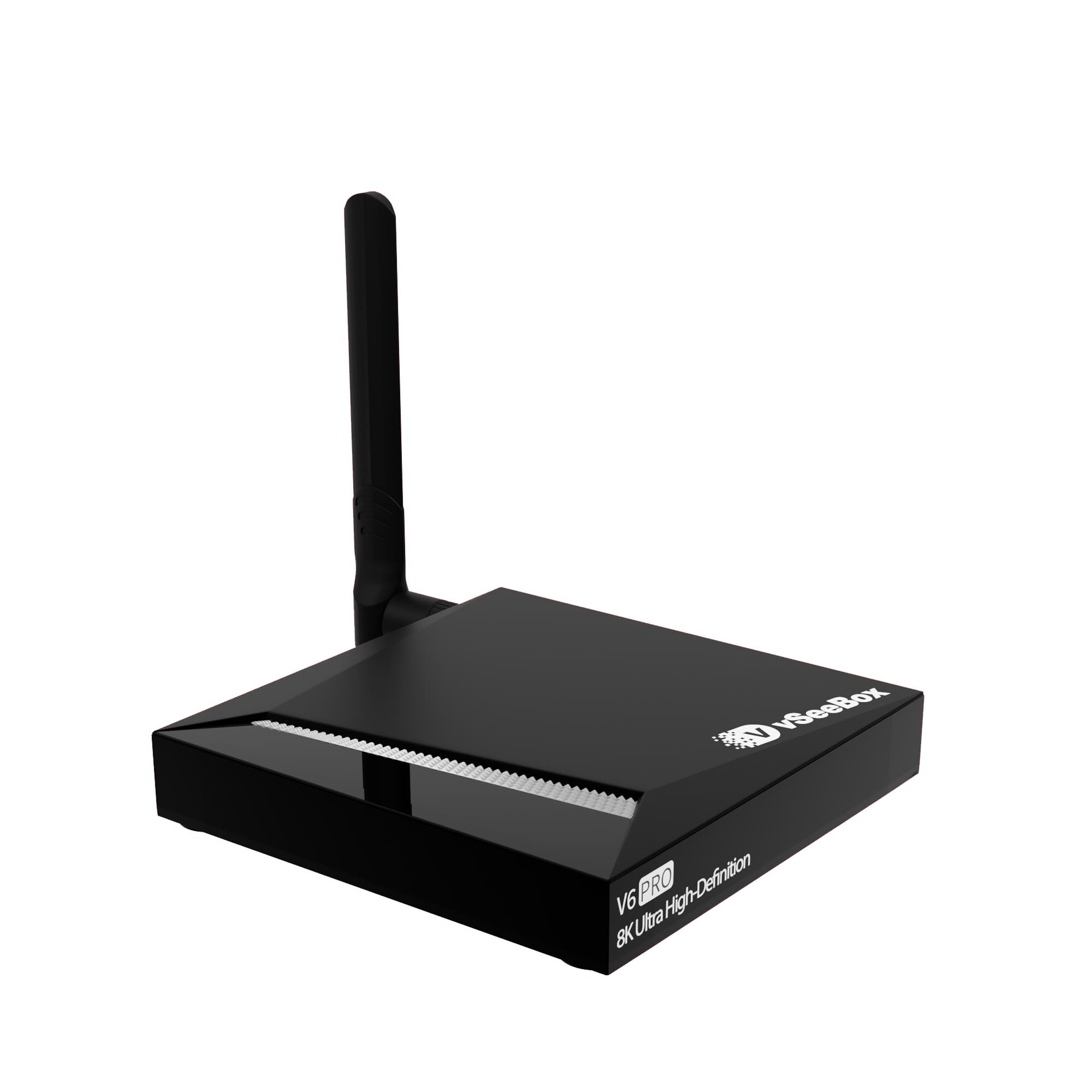
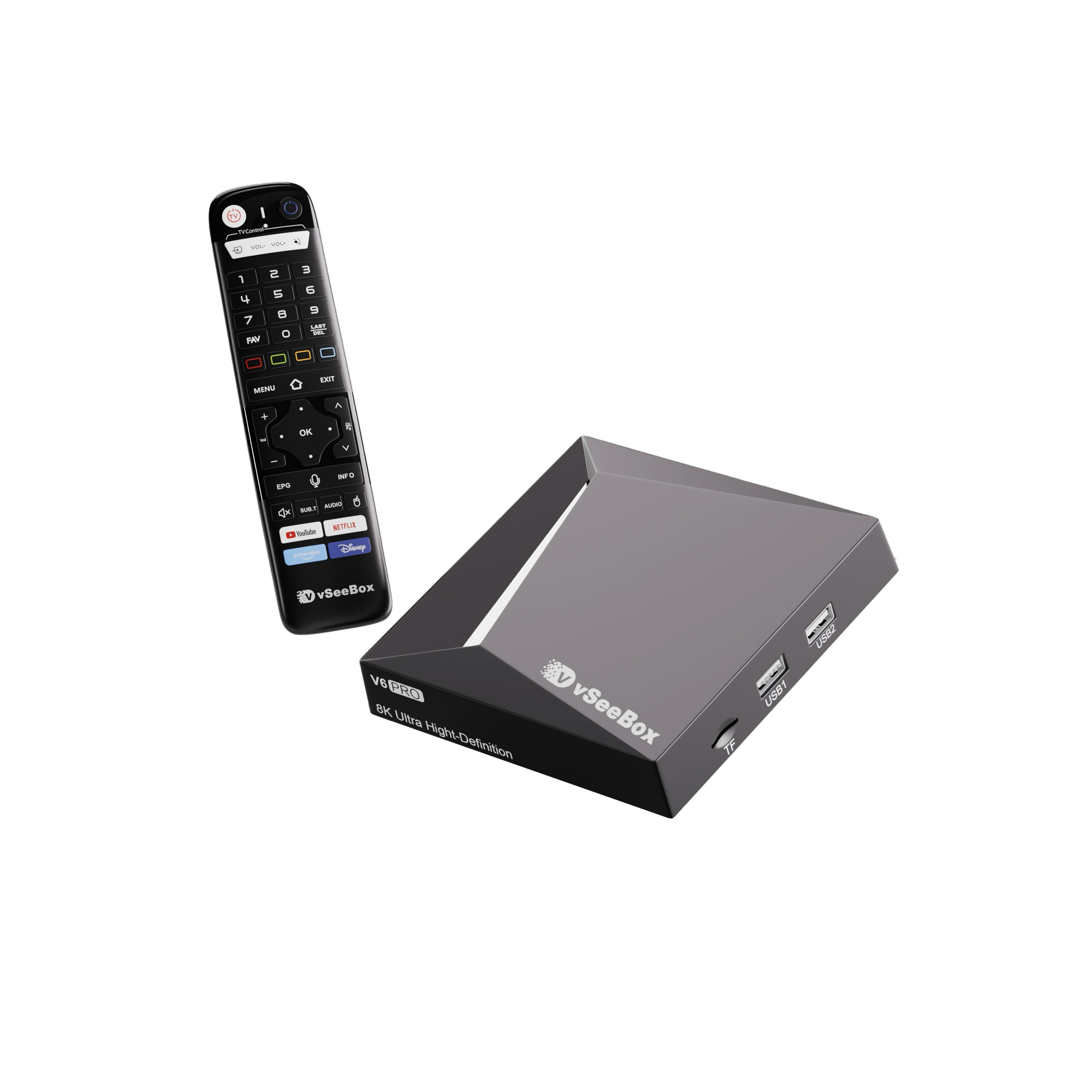
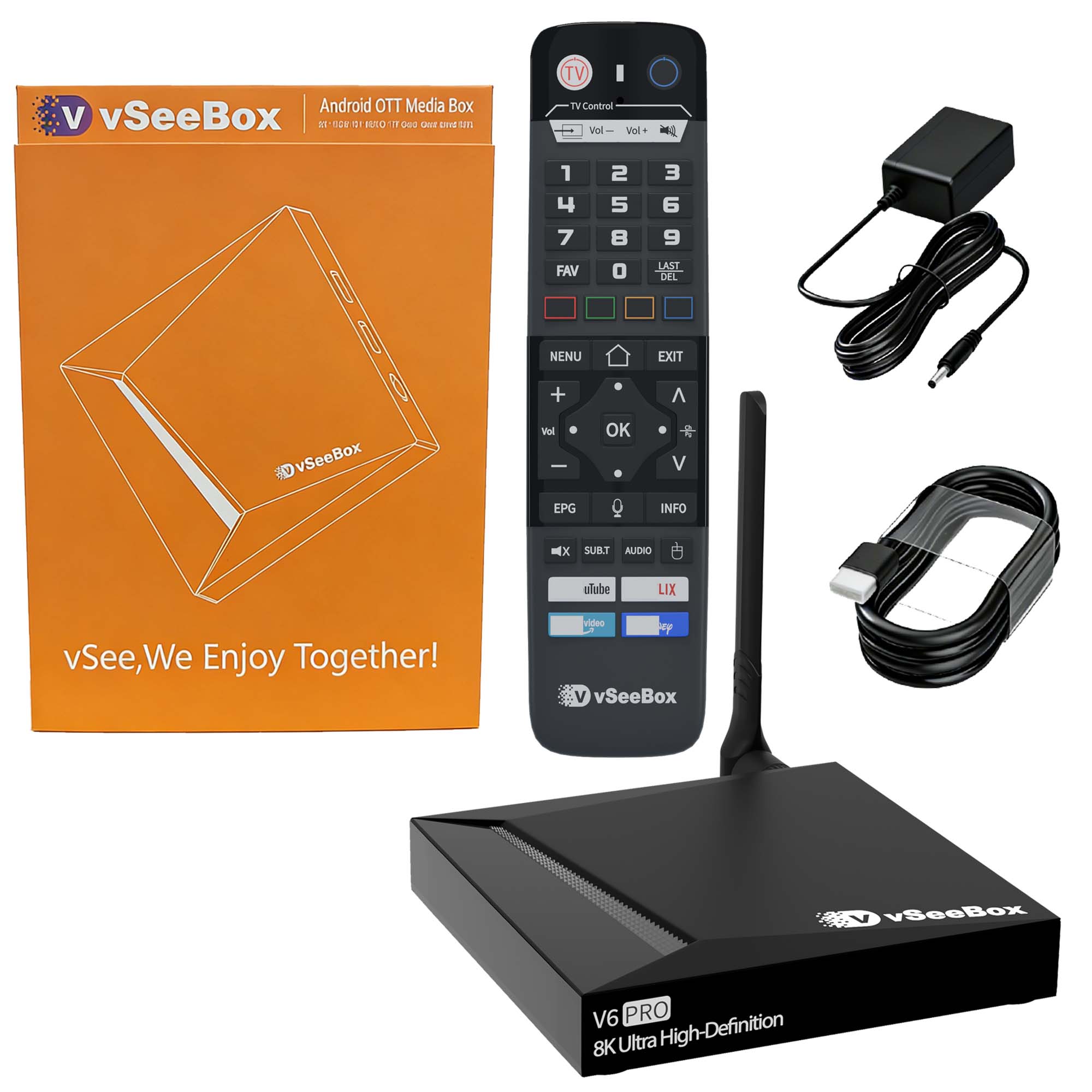
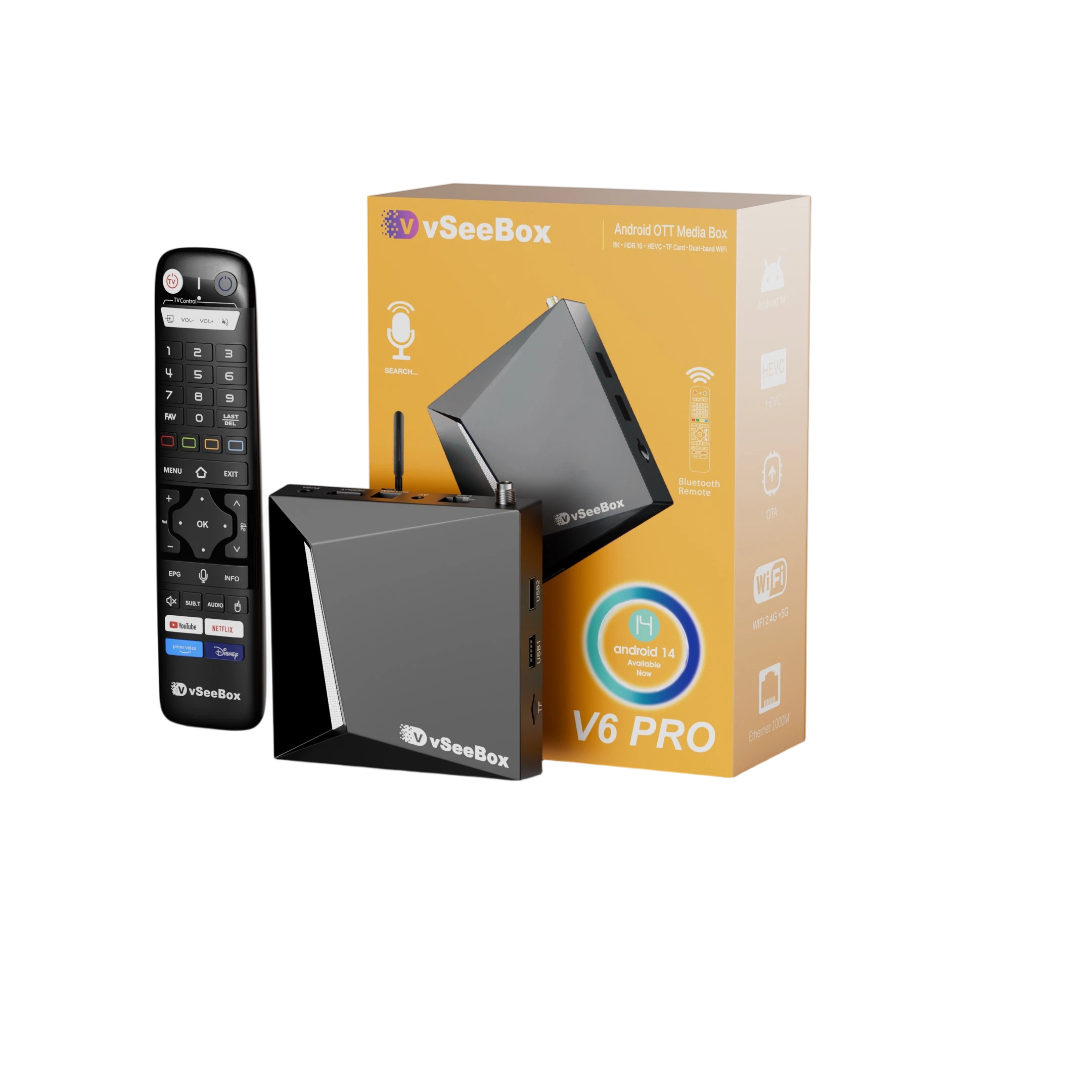
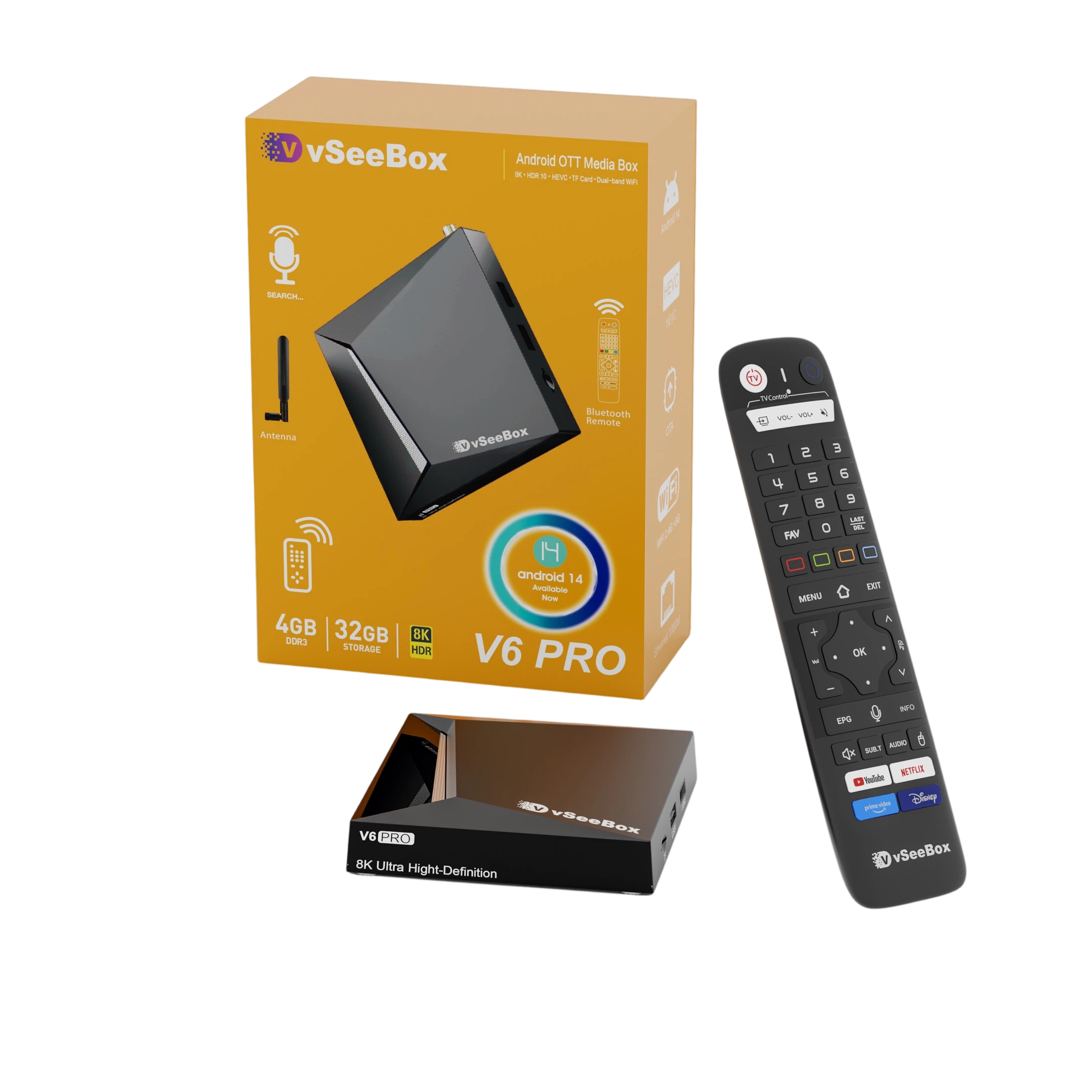
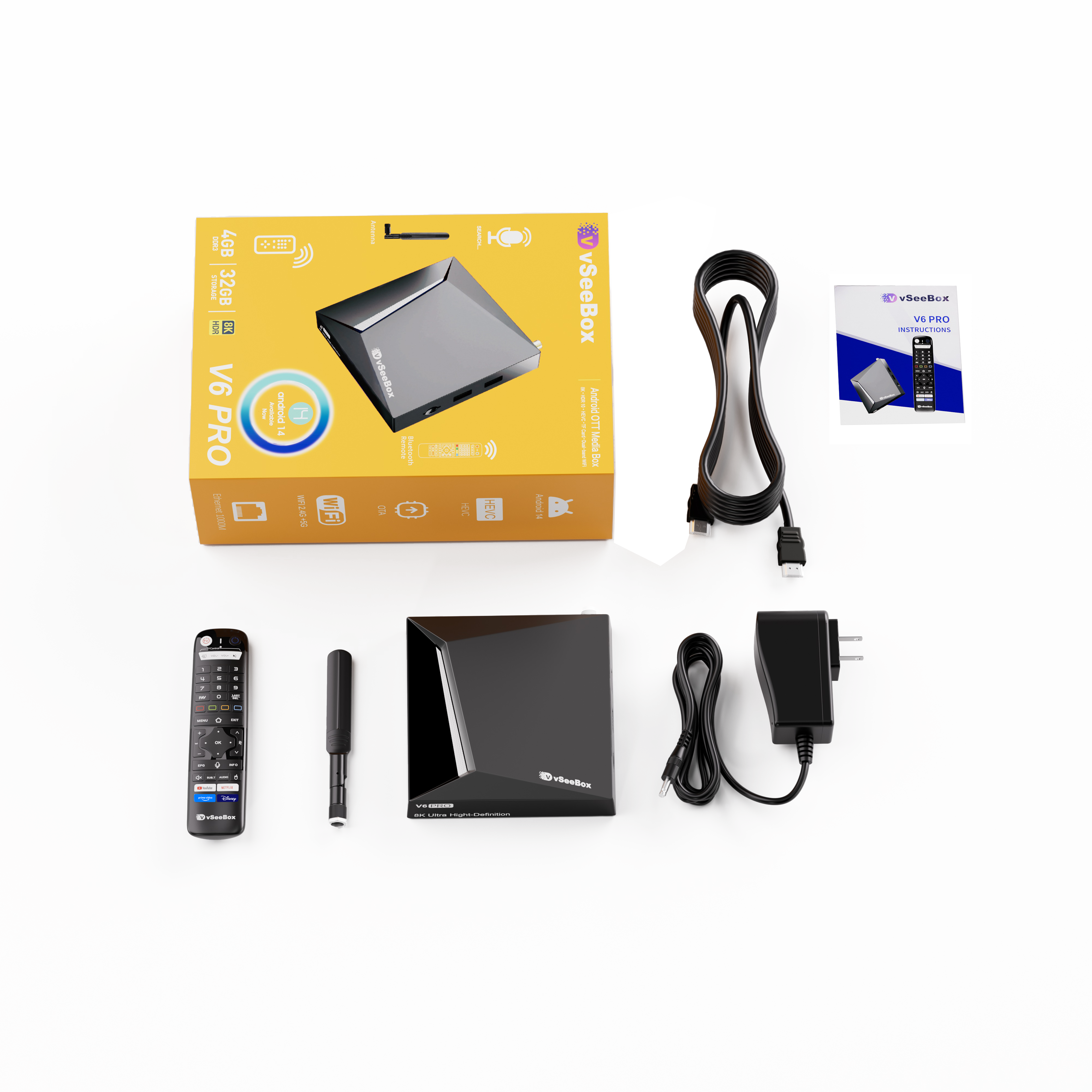
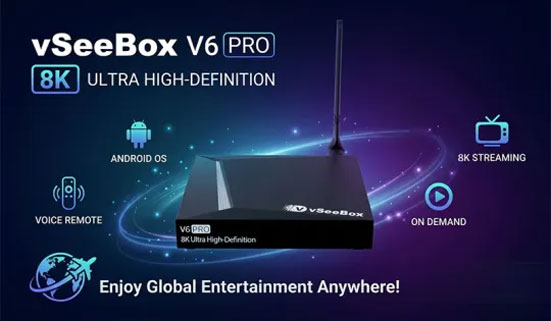
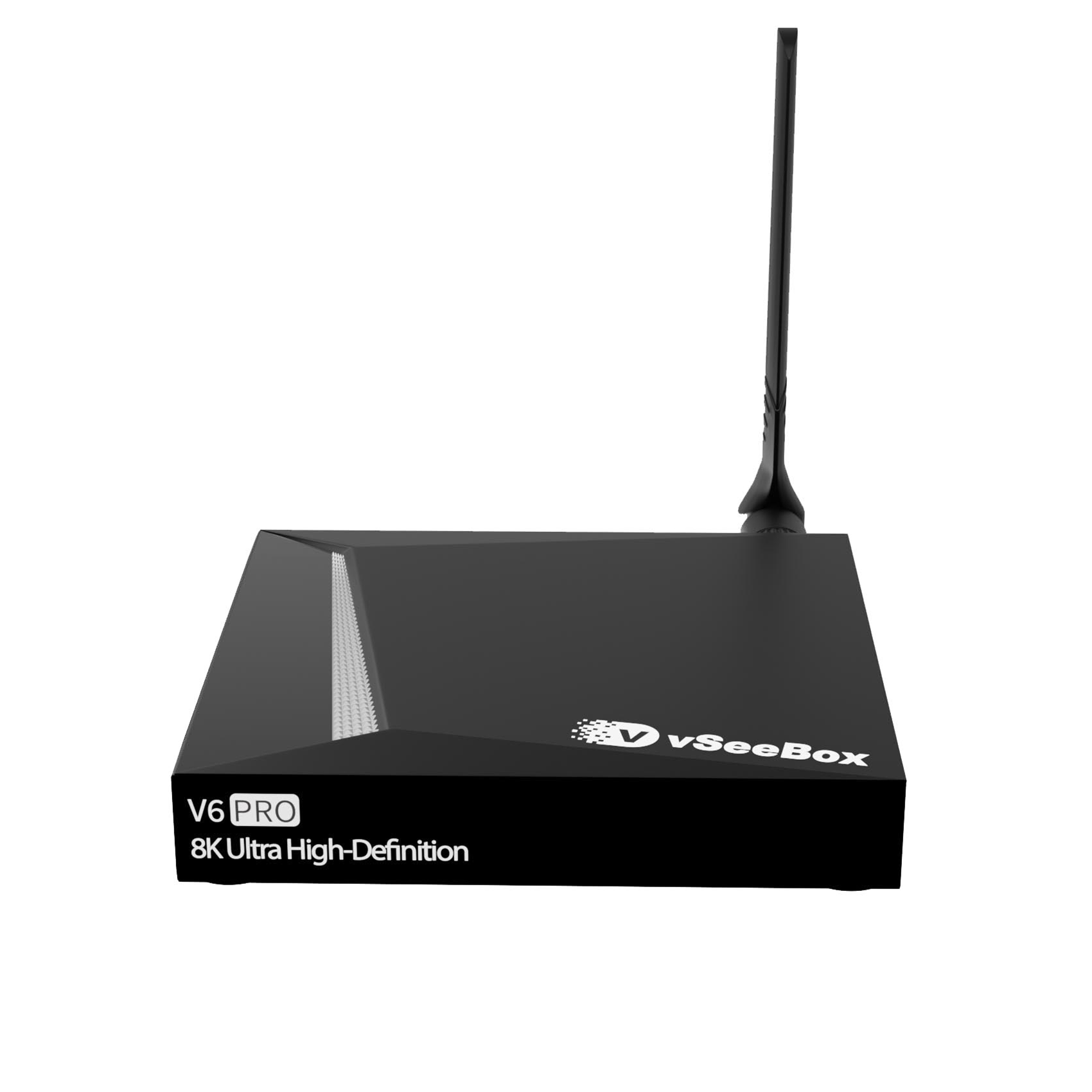
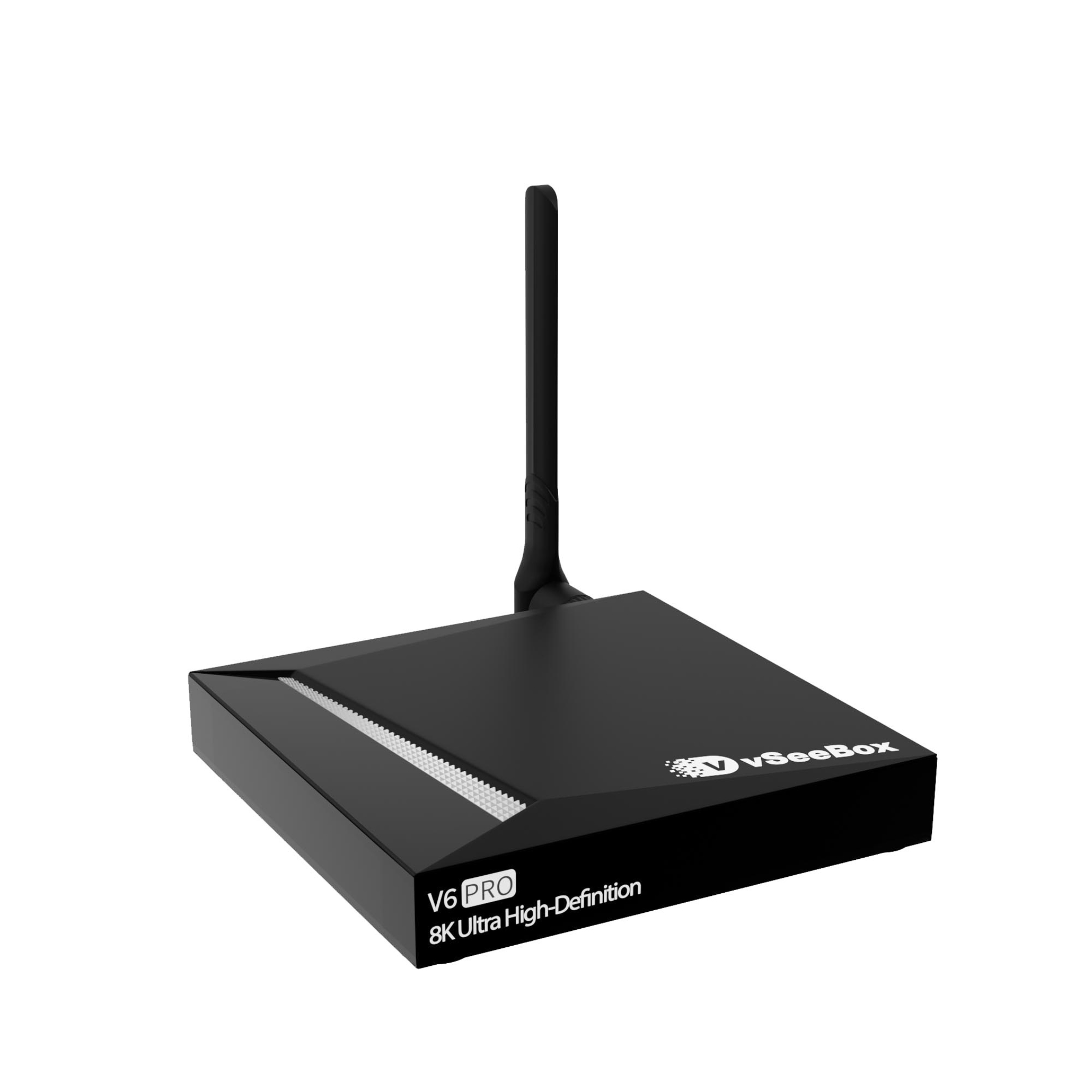
vSeeBox V6 Pro
🔹 Android 14.0 OS
🔹 4GB RAM + 32GB Storage
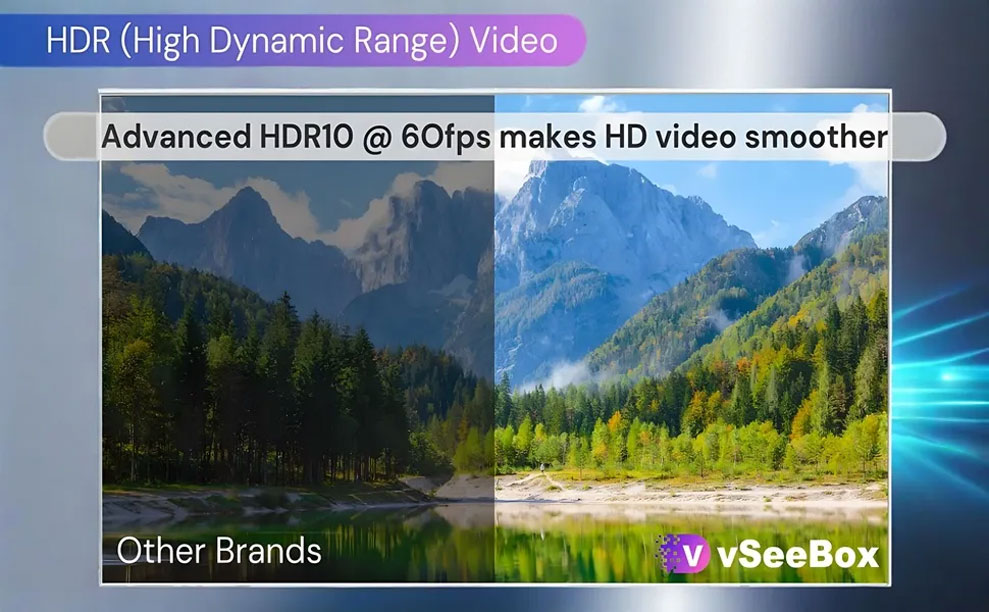
🔹 8K HDR10 output at 60fps + 6K decoding
🔹 Quad-core ARM Cortex-A53 processor
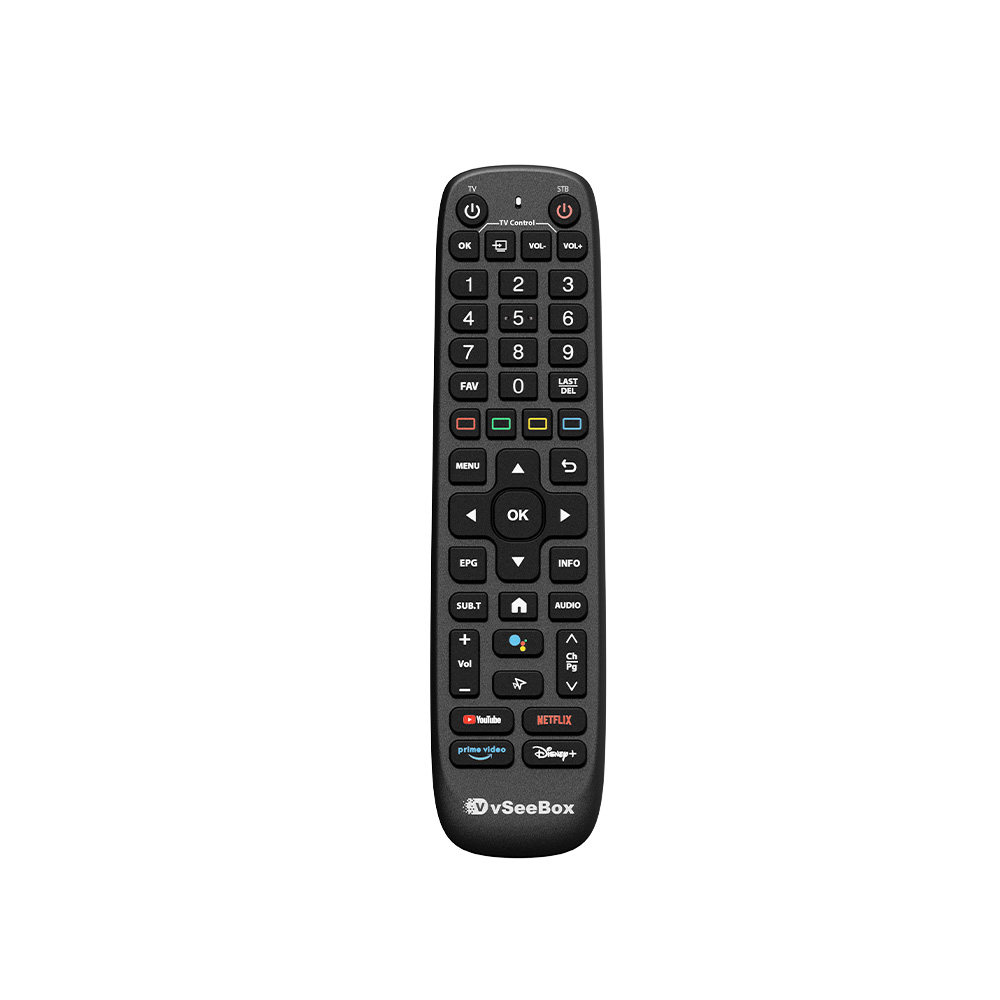
🔹 Smart Bluetooth Remote Control – responsive and easy to use
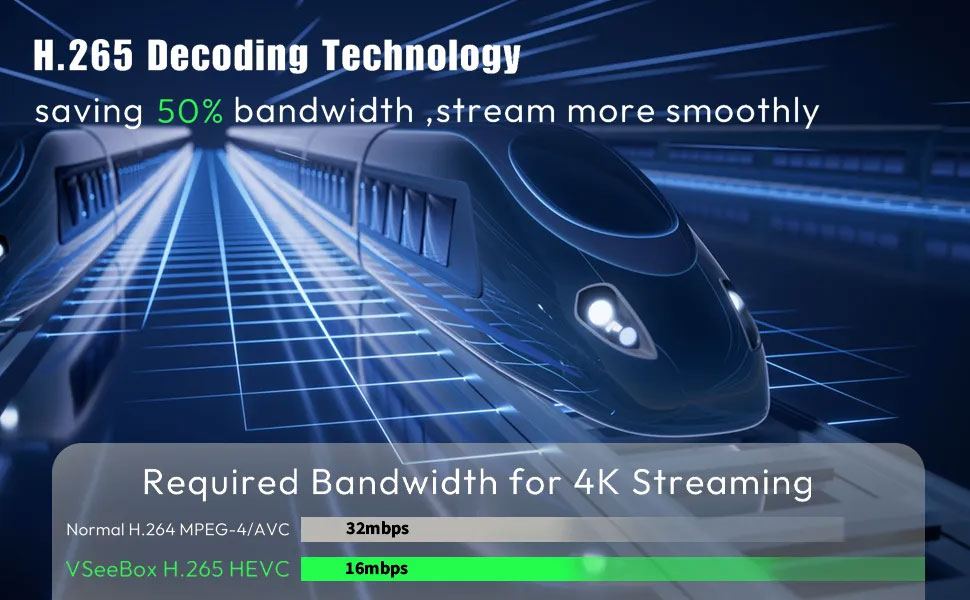
🔹 H.265/HEVC support — saves bandwidth by up to 50%
🔹 Dual-band Wi-Fi 6, Bluetooth 5.0, Gigabit Ethernet for smooth streaming
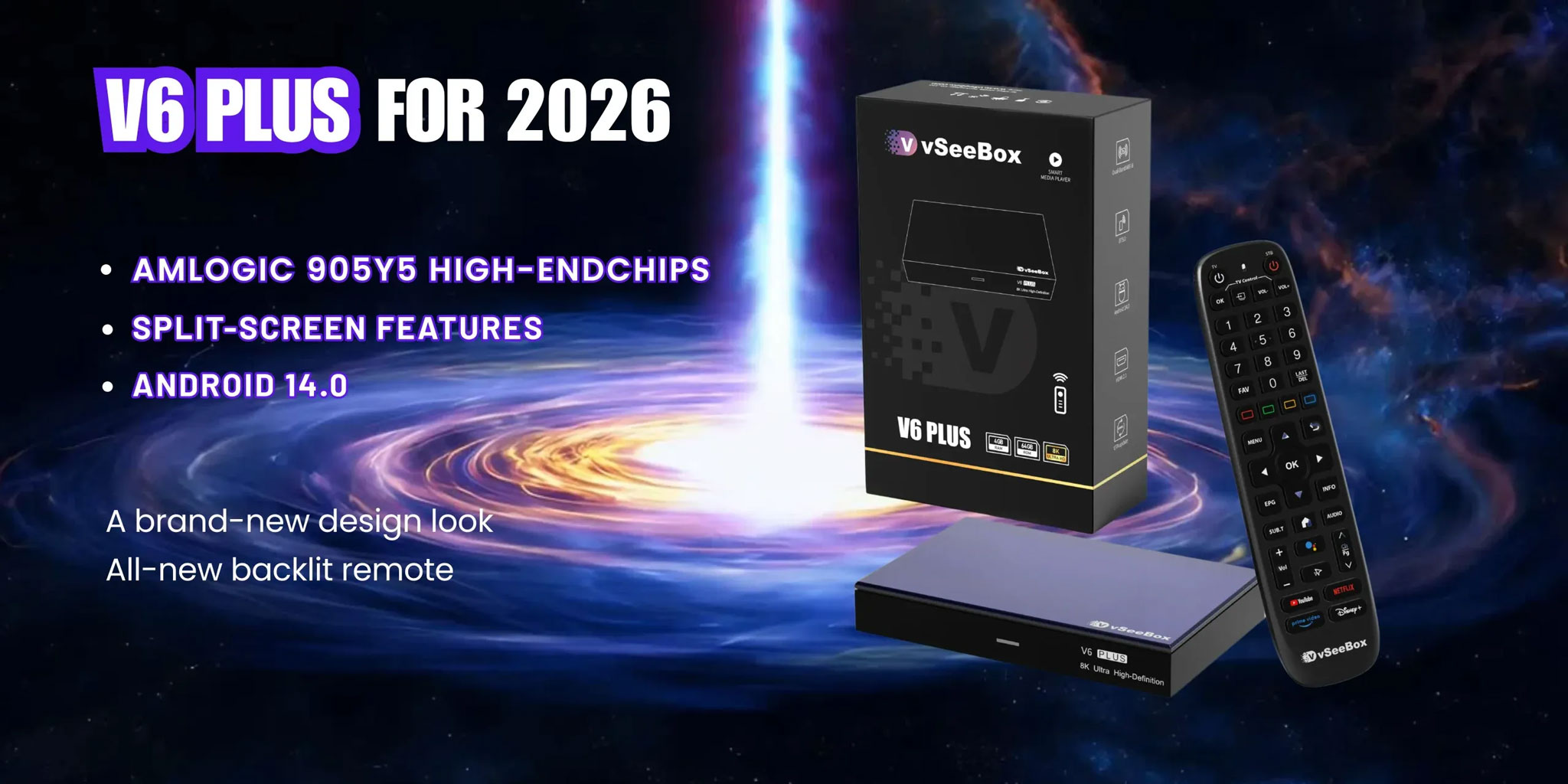
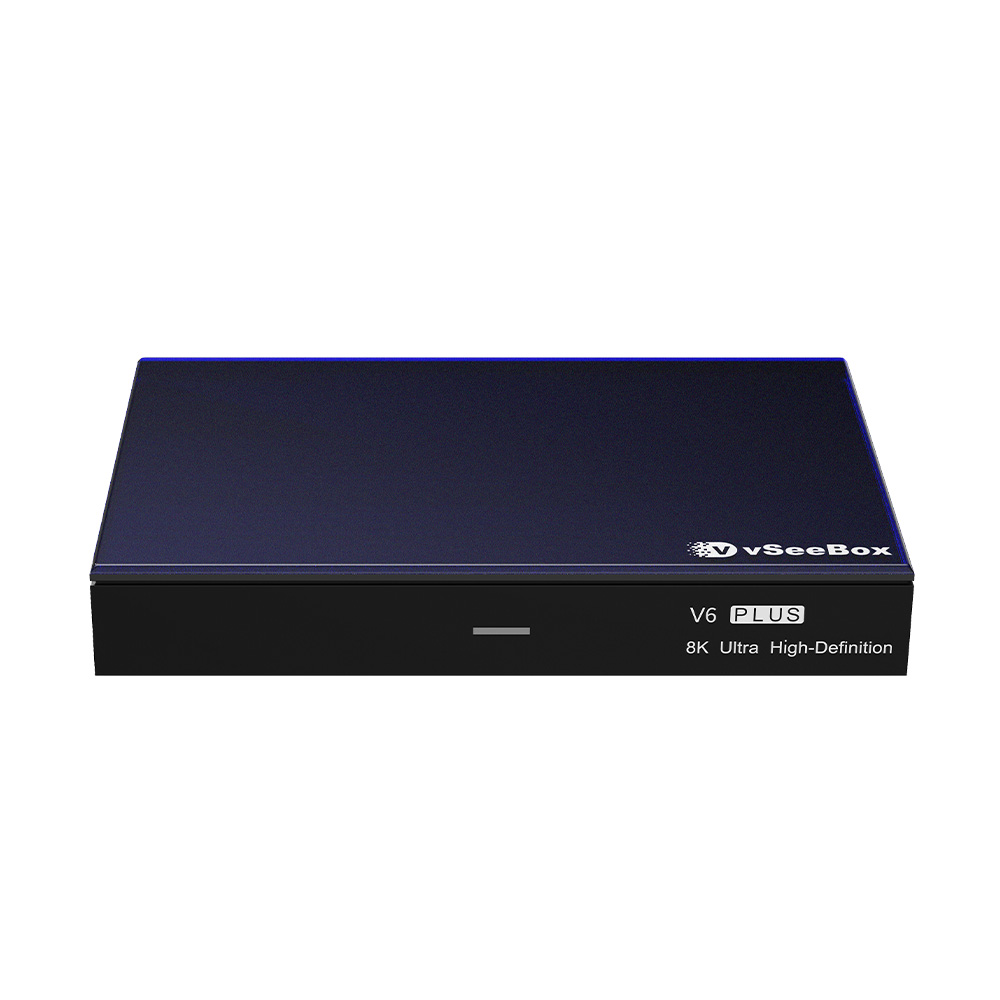
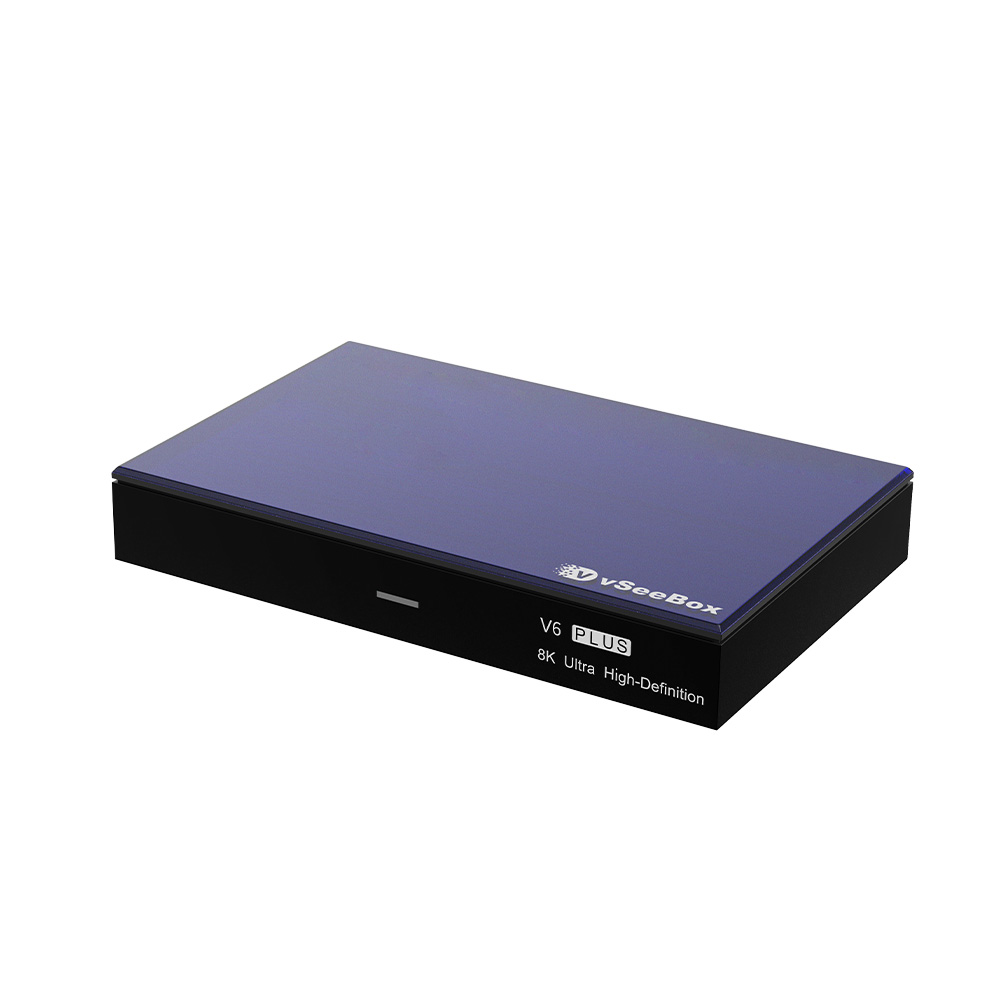
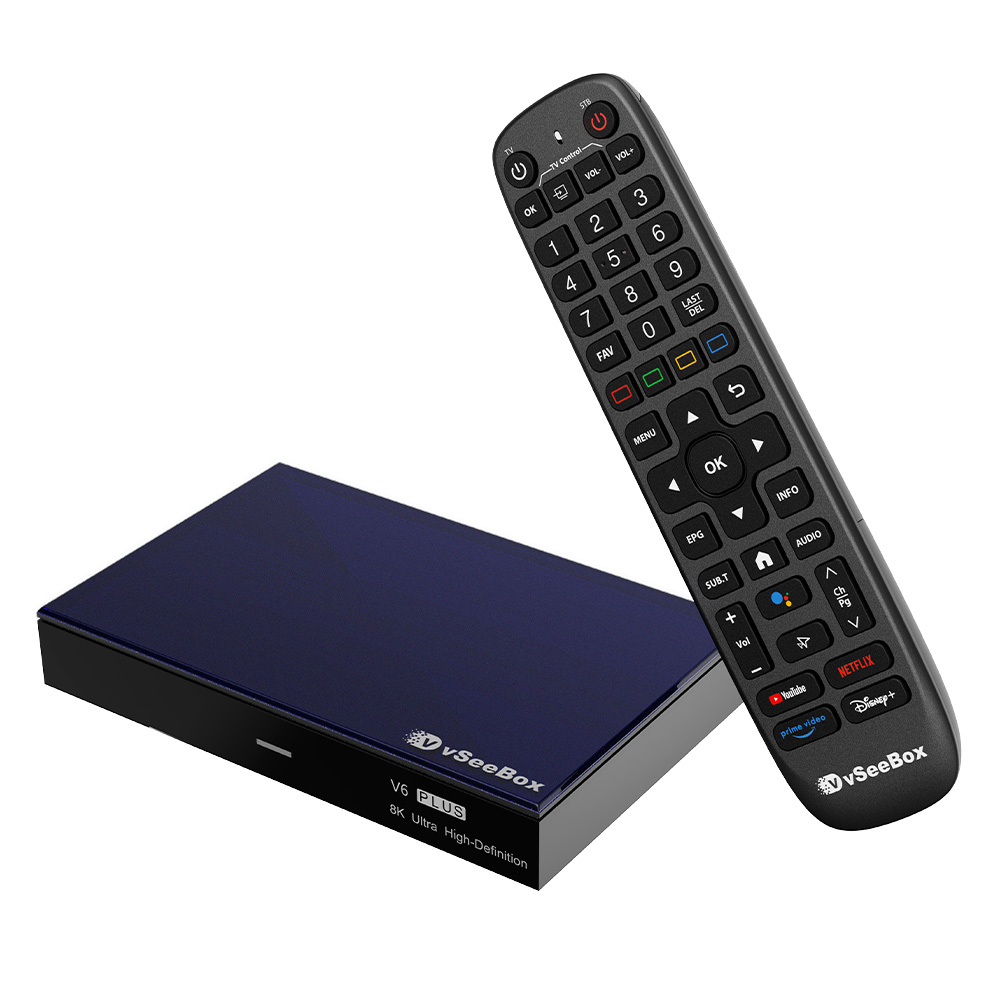
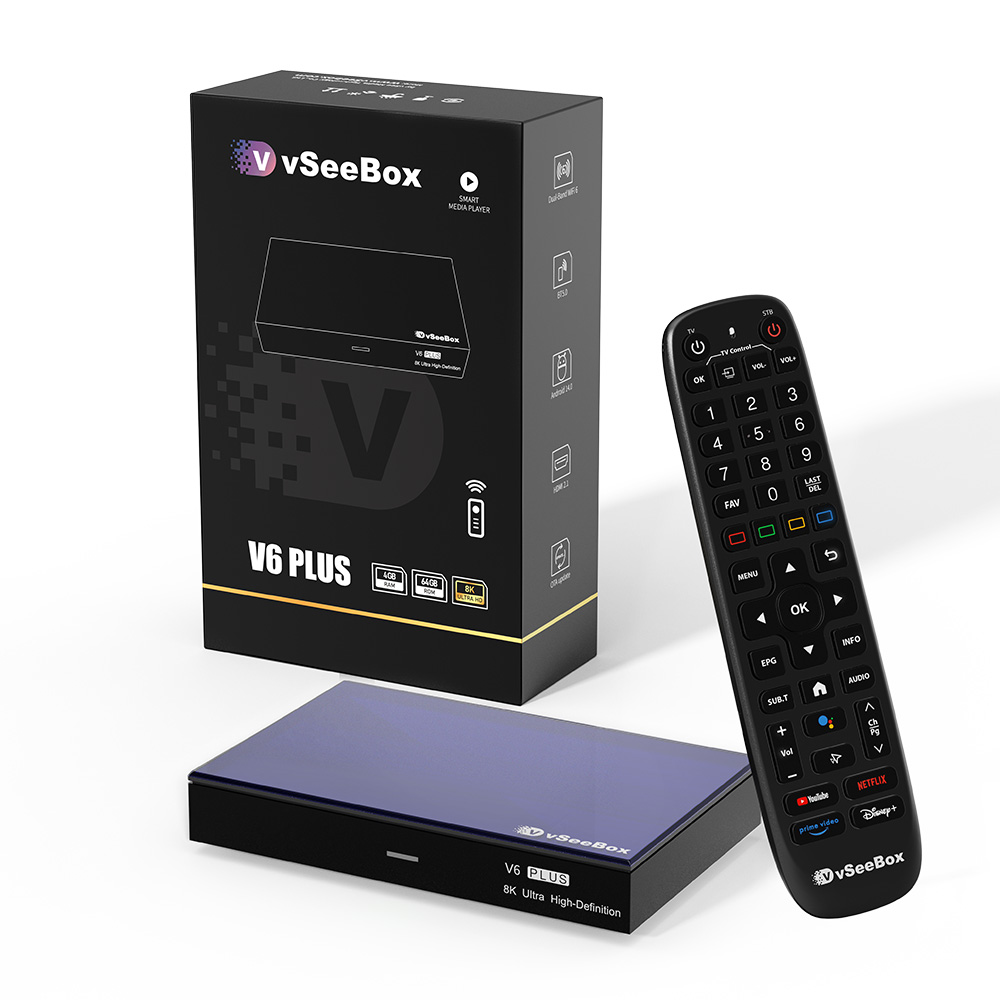
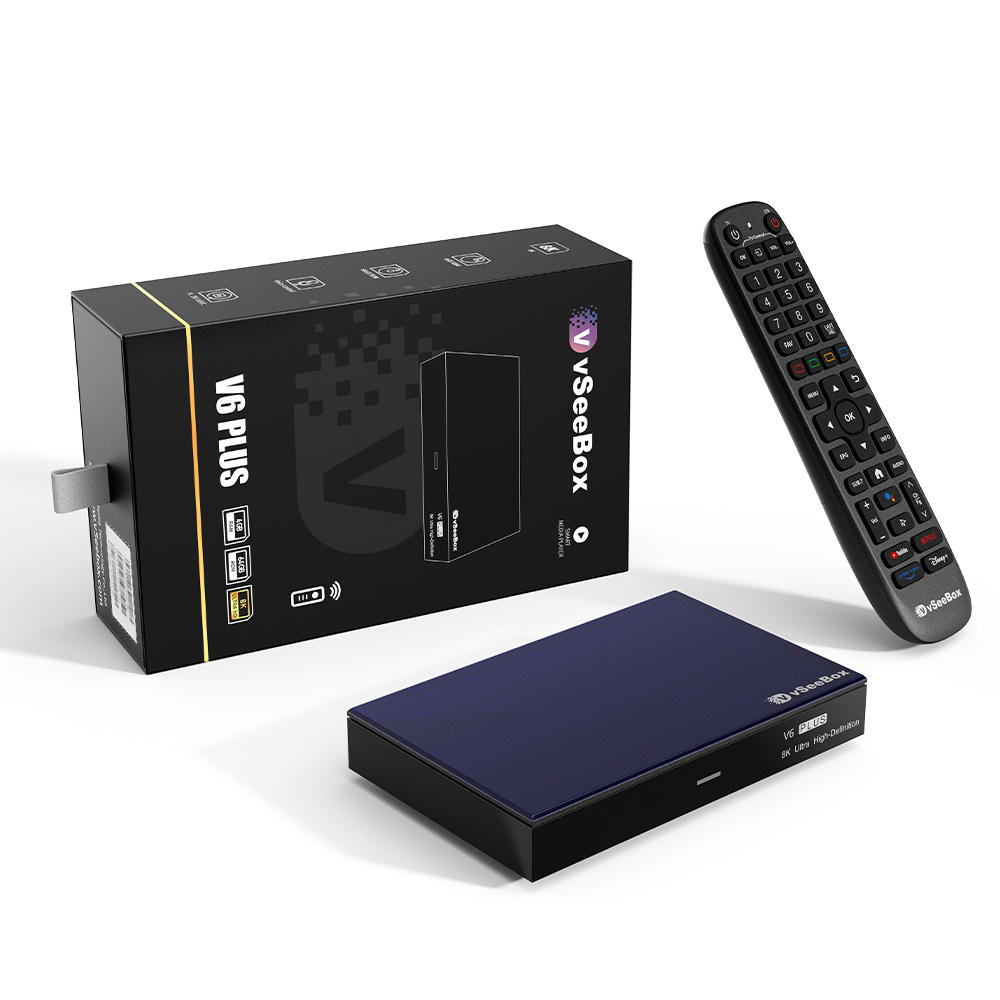
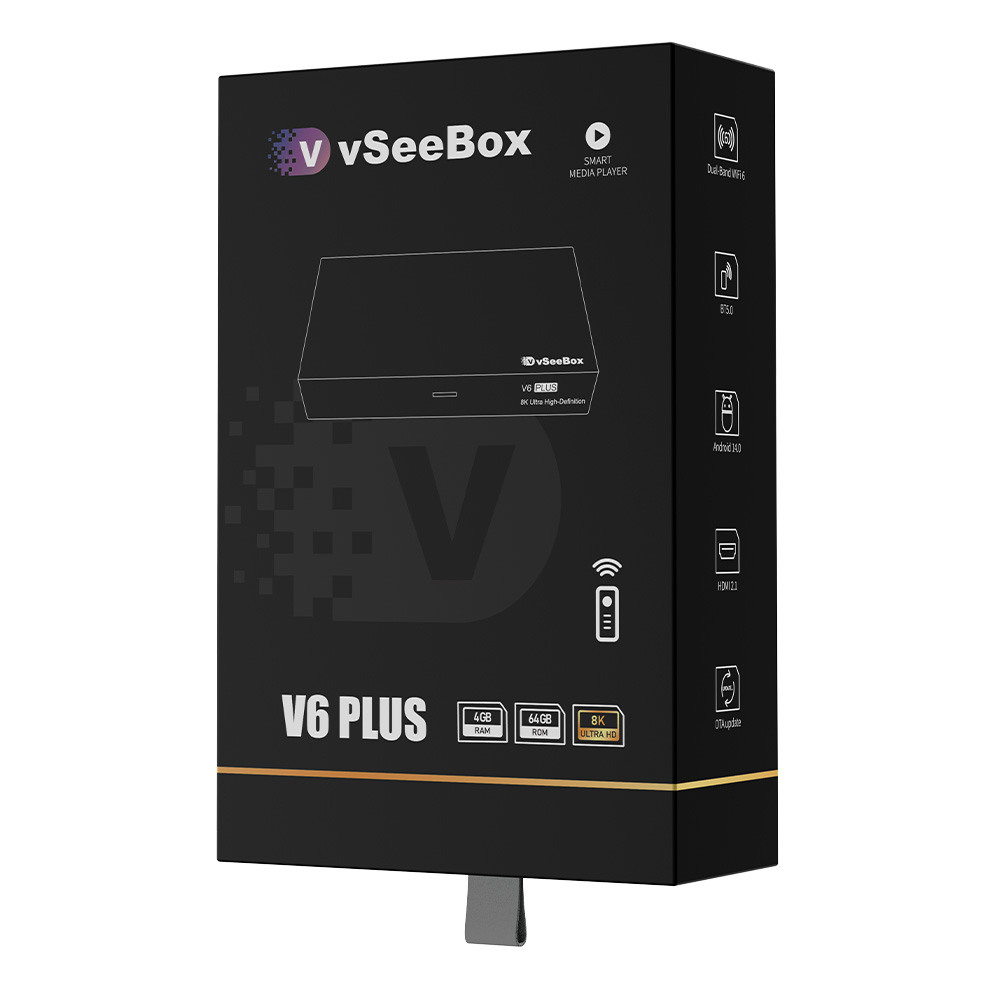
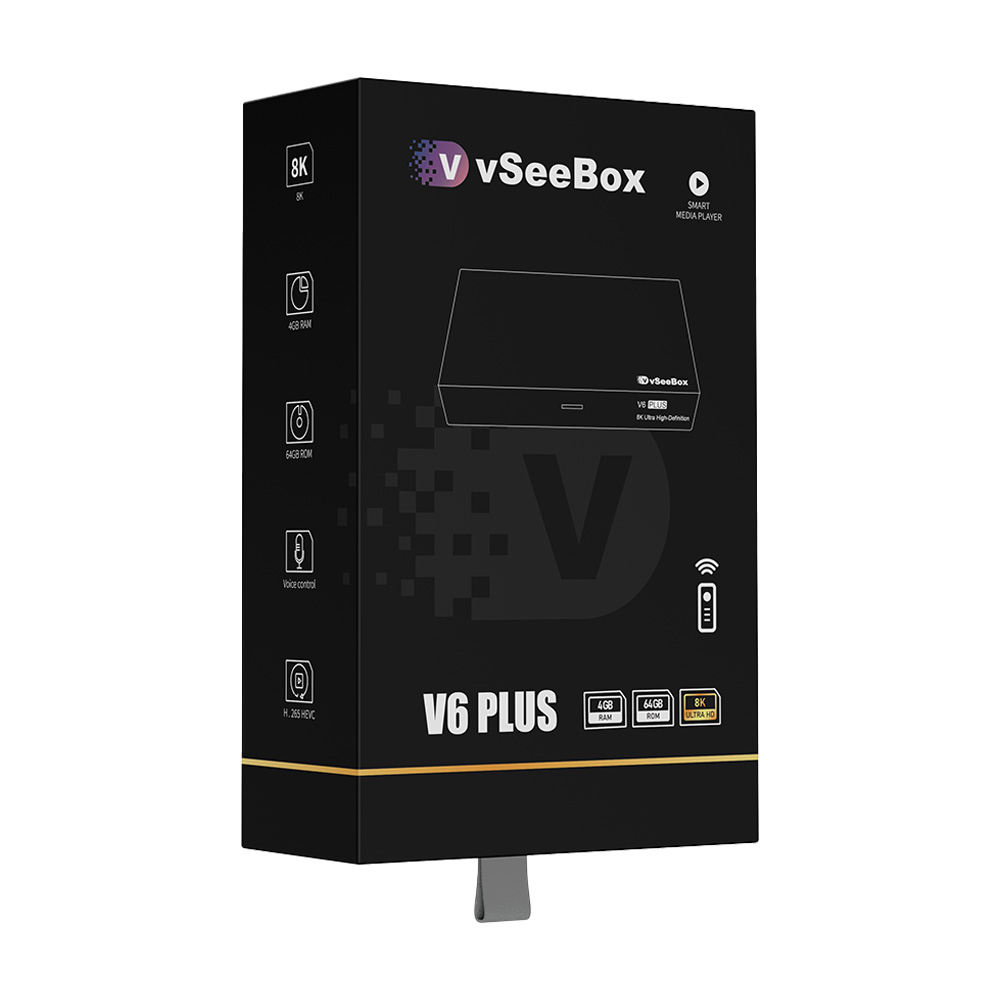
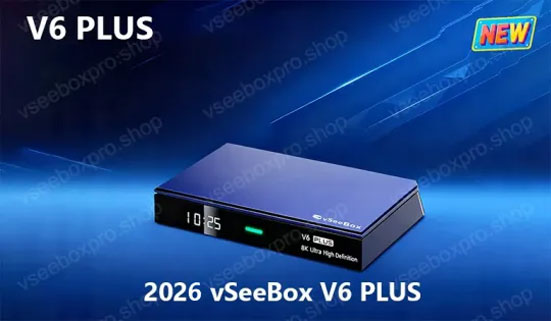
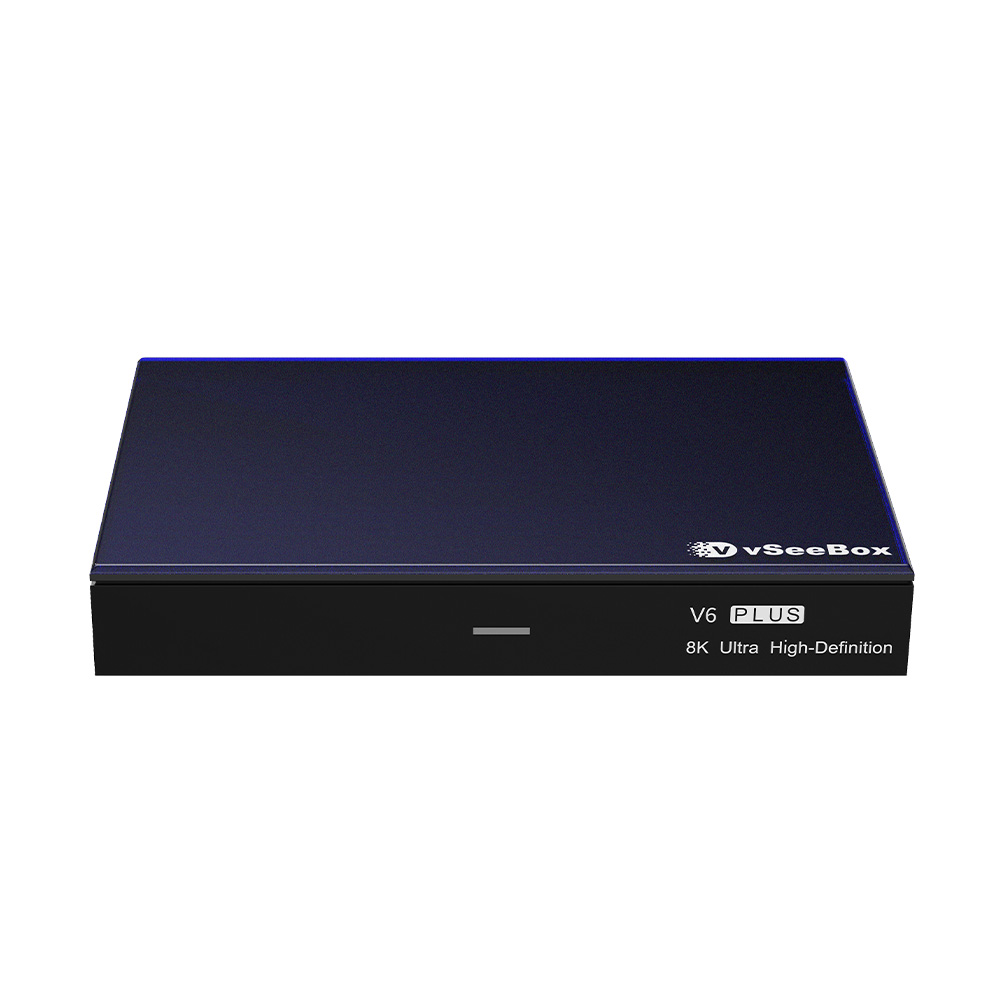
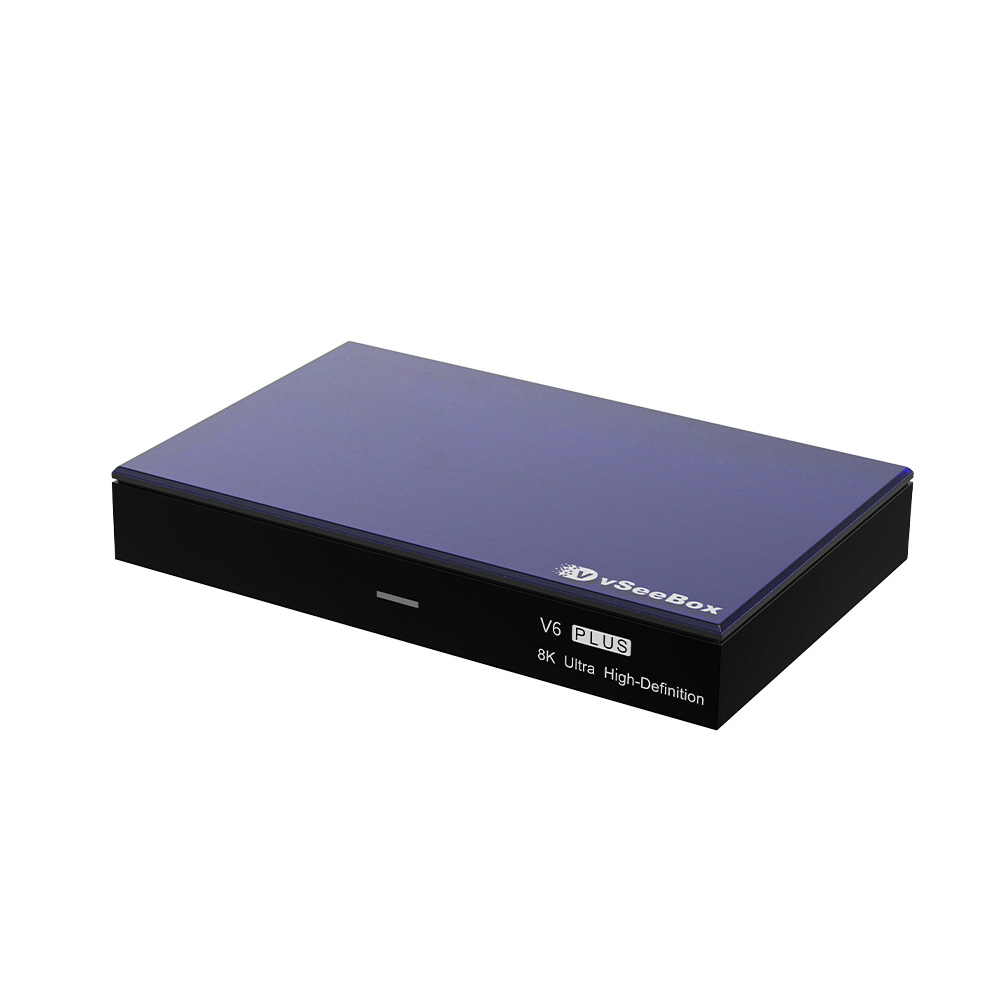
vSeeBox V6 Plus
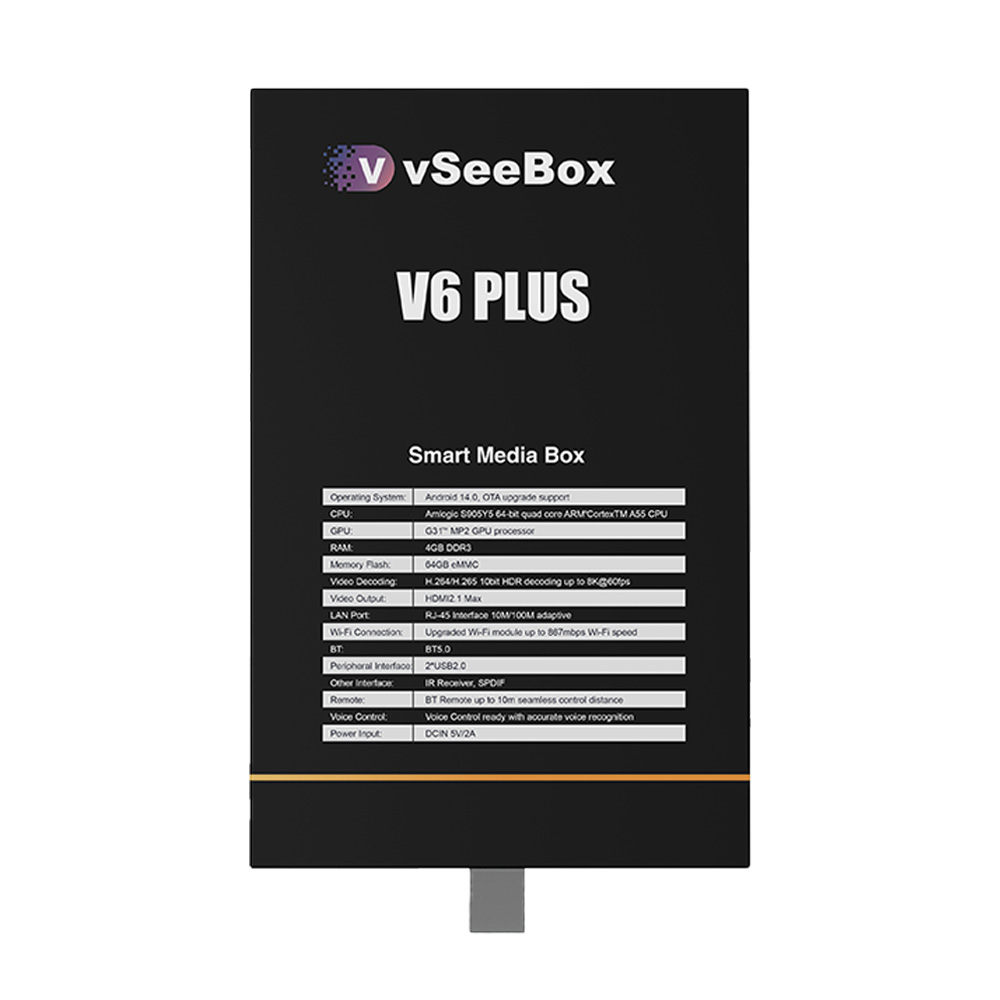
🔹 Powered by Android 14 – latest system for faster performance and enhanced security
🔹 Amlogic S905Y5 high-end chipset – supports 8K@60fps and 10-bit HDR decoding for vivid and lifelike visuals
🔹 4GB RAM + 64GB Storage – smooth multitasking with ample space for apps and media
🔹 All-new design – modern and premium look with improved portability
🔹 Backlit Remote Control – easy navigation even in low-light conditions
🔹Exclusive split-screen feature (coming in October)
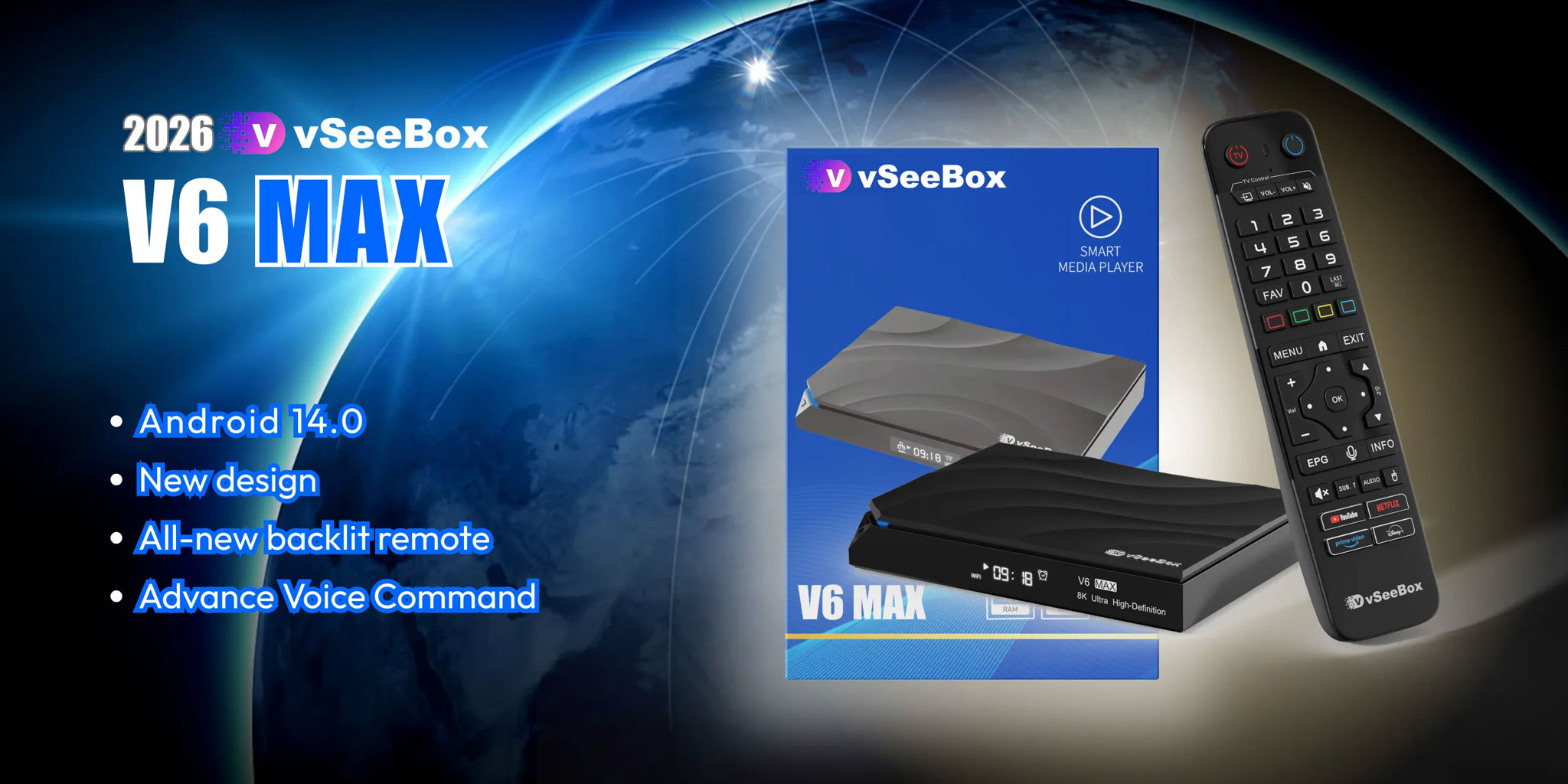
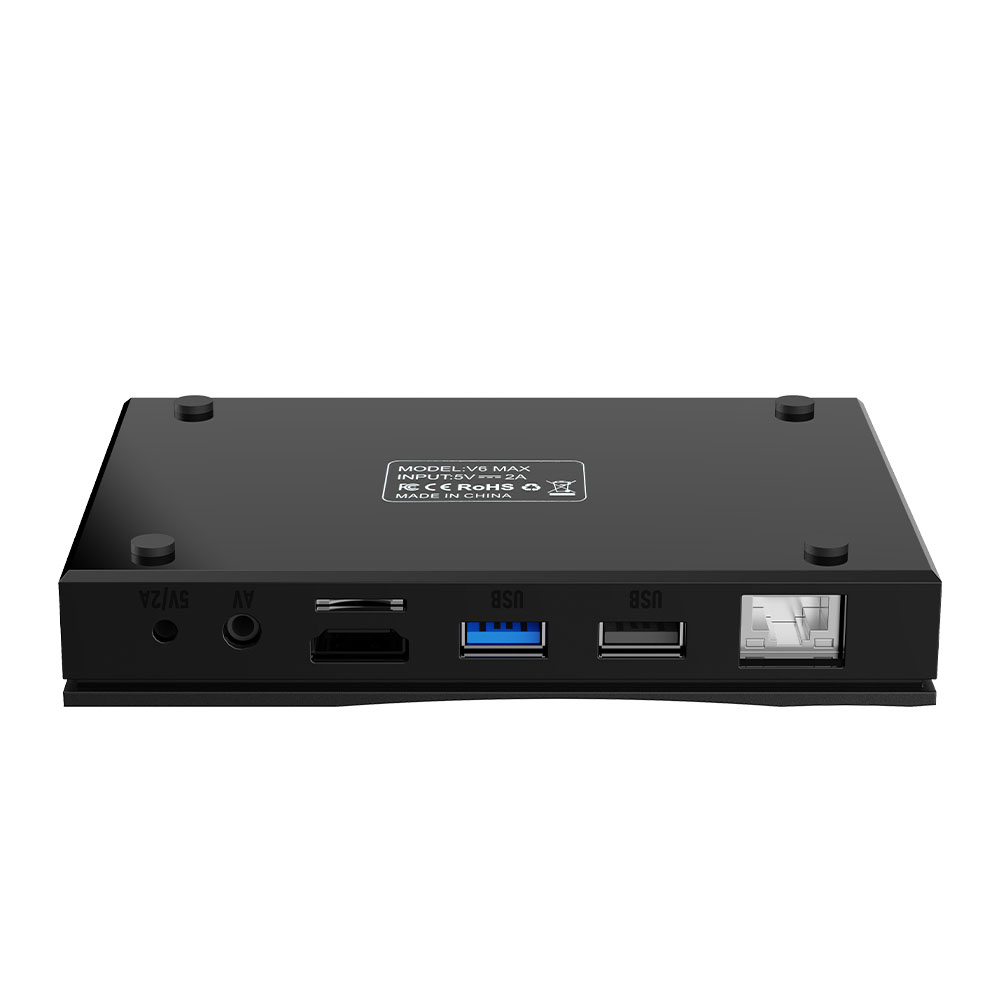
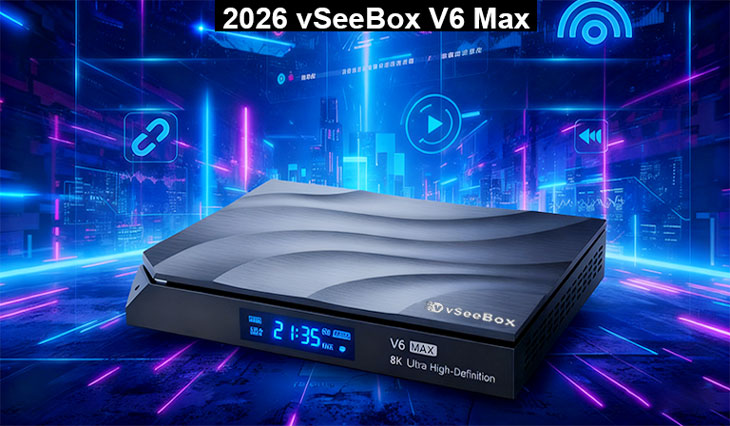
vSeeBox V6 Max
🔹 Amlogic 905Y4 chipset – supports 8K@60fps, 10-bit HDR decoding
🔹 4GB RAM + 64GB Storage – fast multitasking and reliable storage space
🔹 Dual-Band Wi-Fi (2.4G/5G) + Ethernet for stable and fast connectivity
🔹 Bluetooth 5.0 Remote Control – upgraded with backlit design for easy use in the dark
🔹 Refined software suite – enhanced for seamless streaming and entertainment options
🔹 New packaging design – modern, sleek, and perfect for gifting or personal use
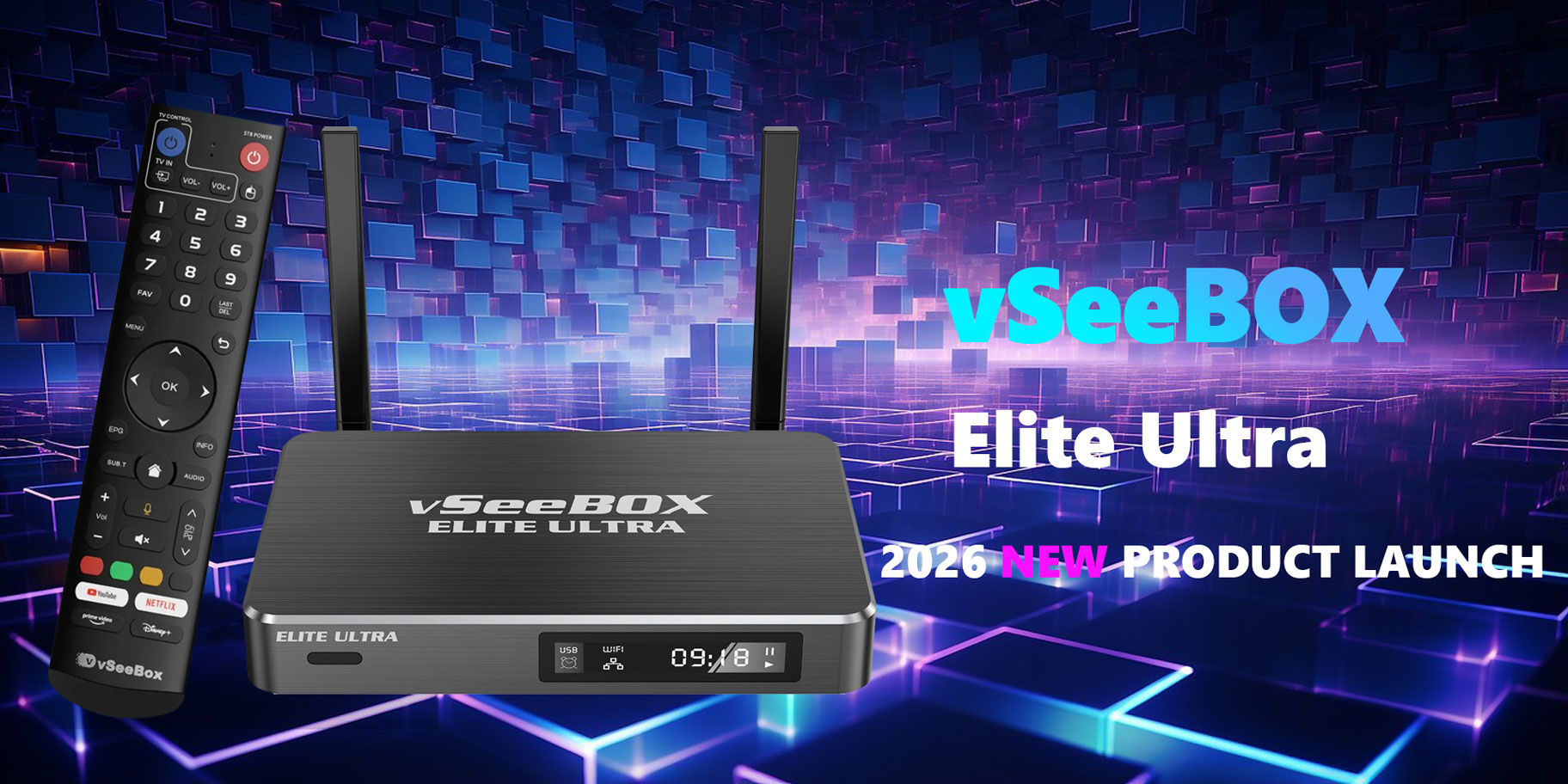
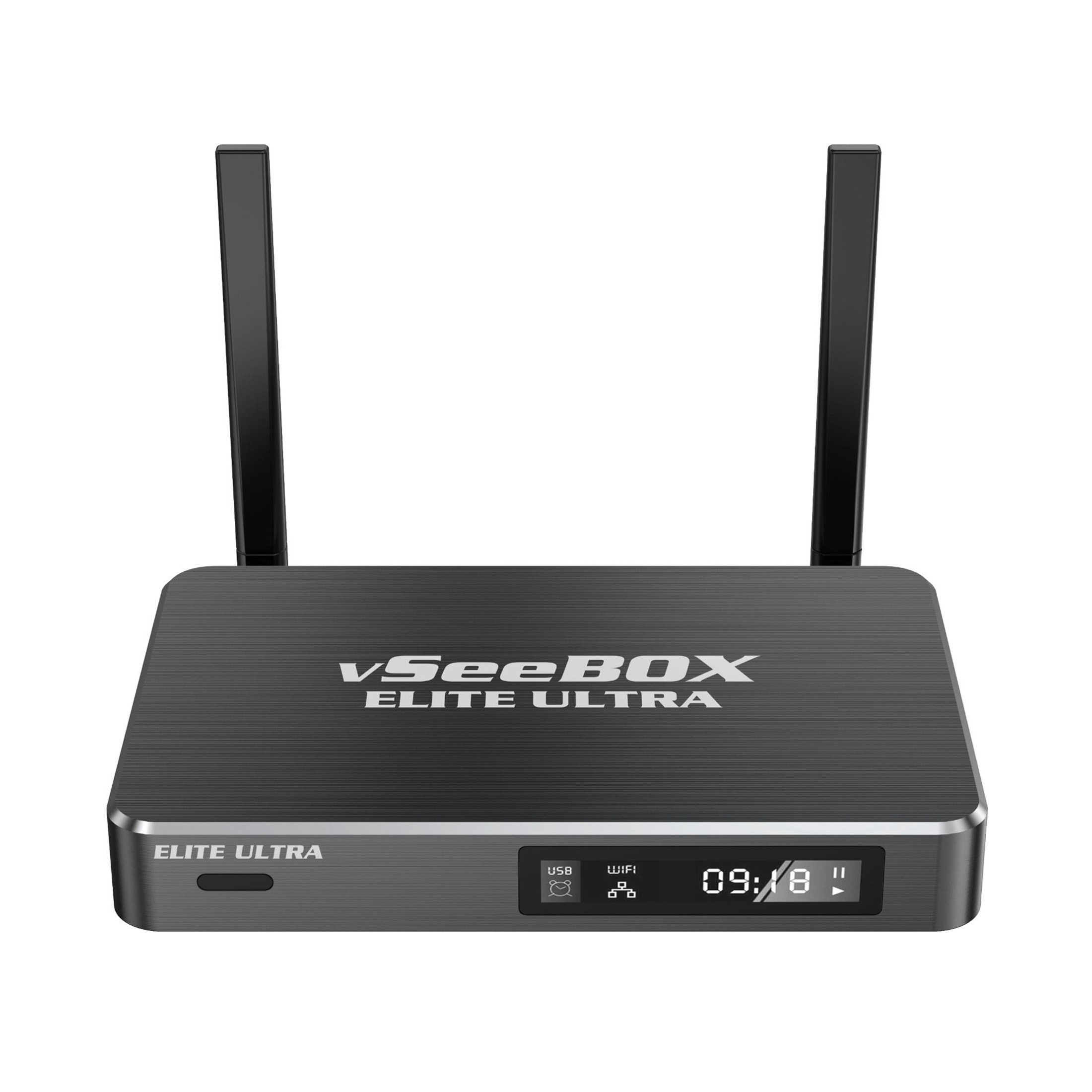
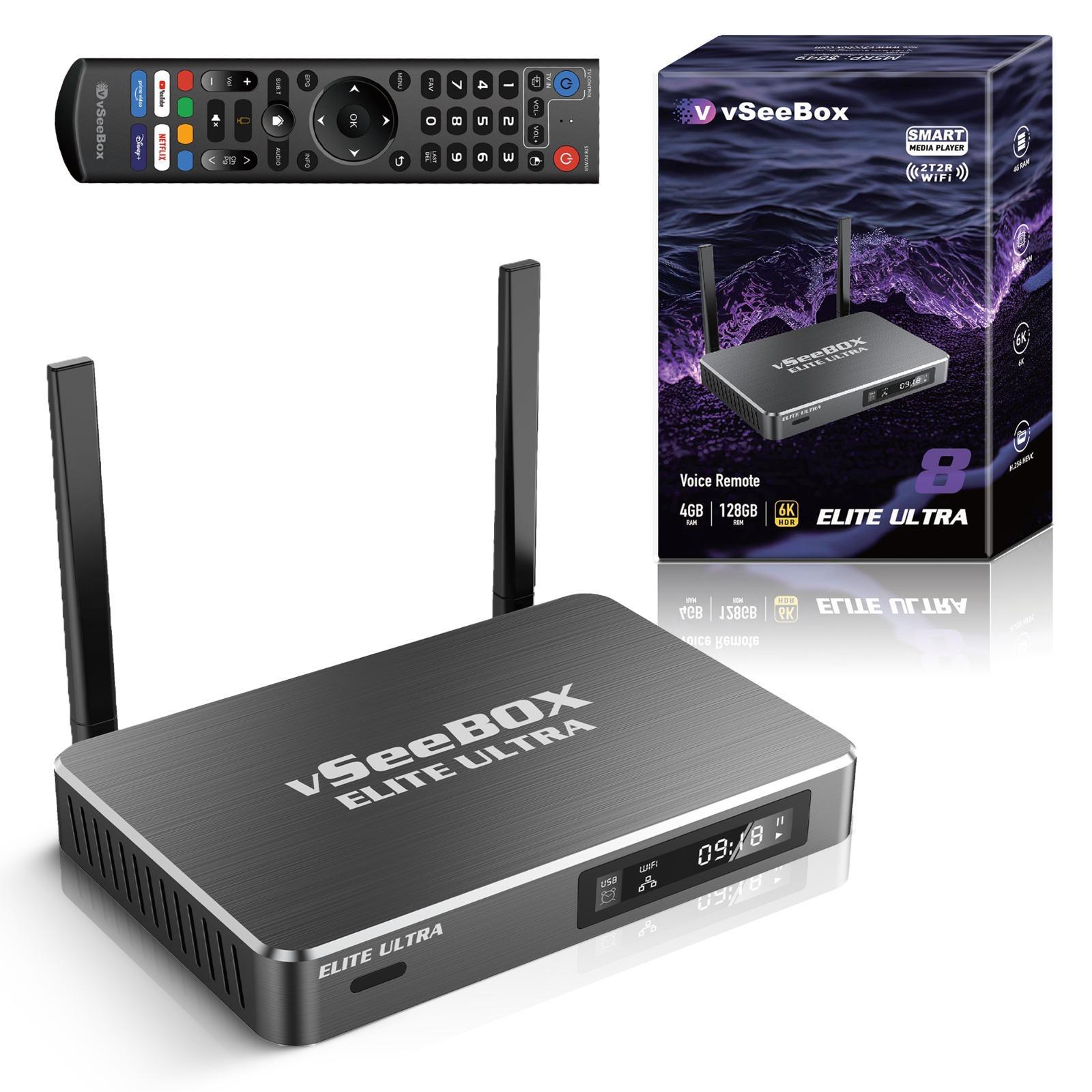
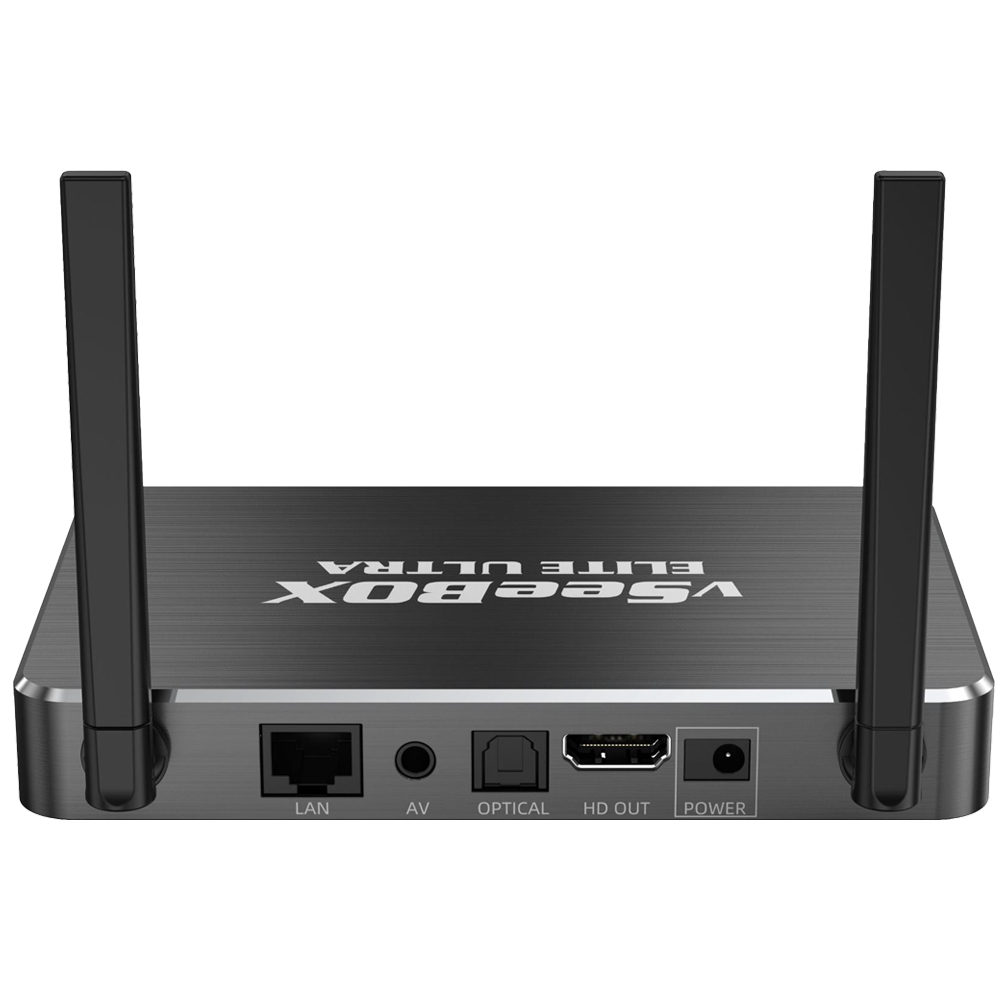
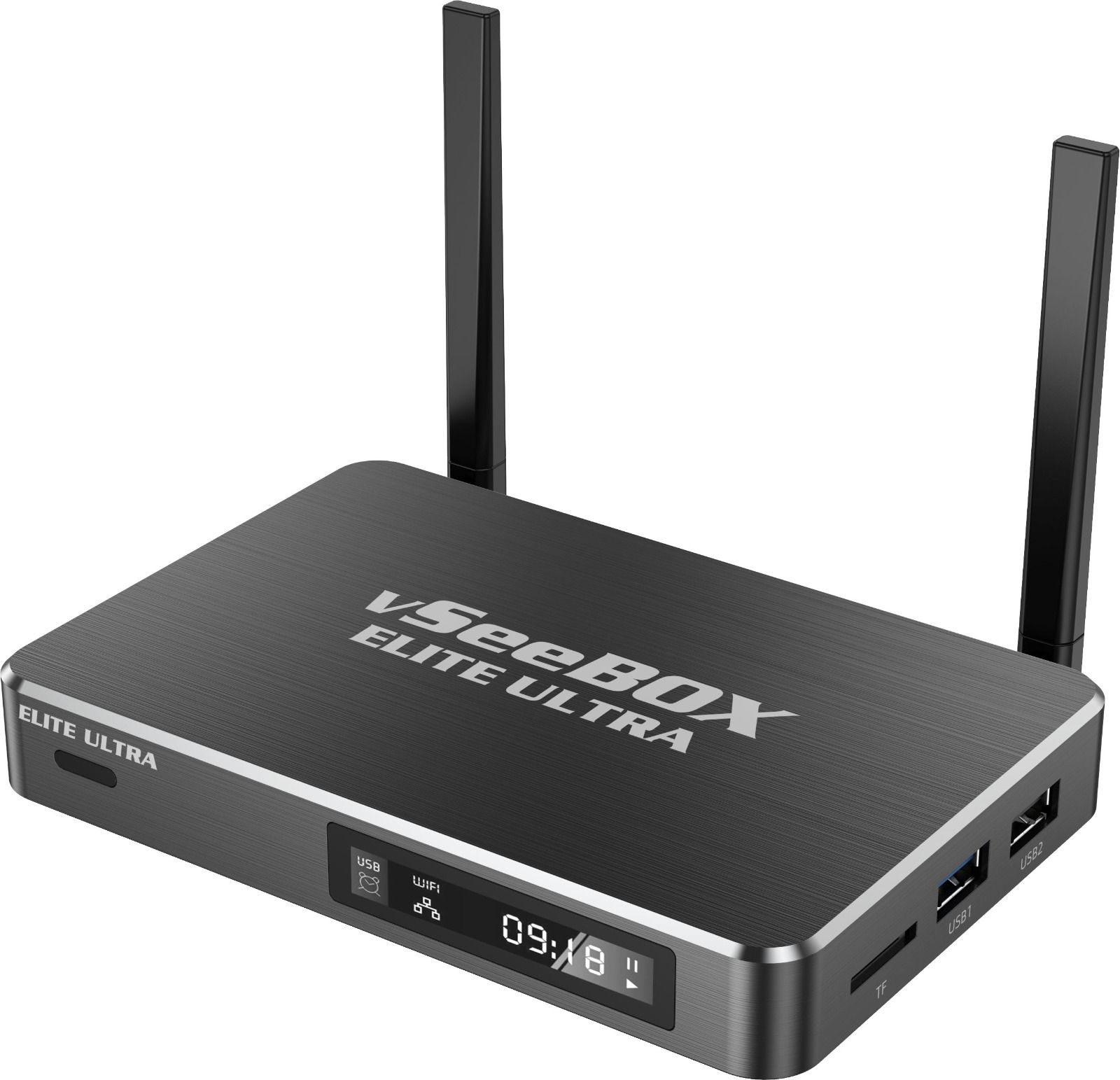
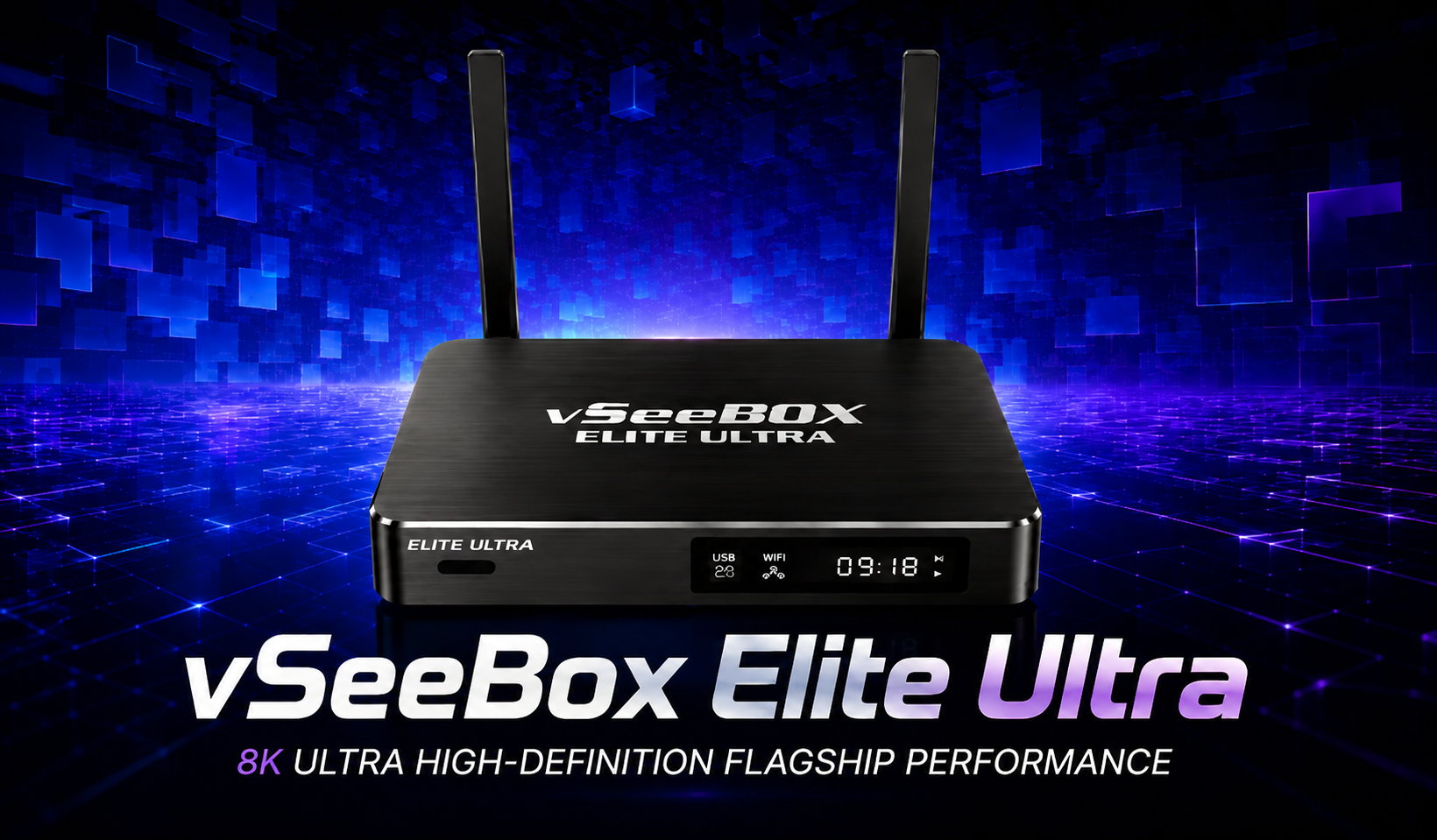
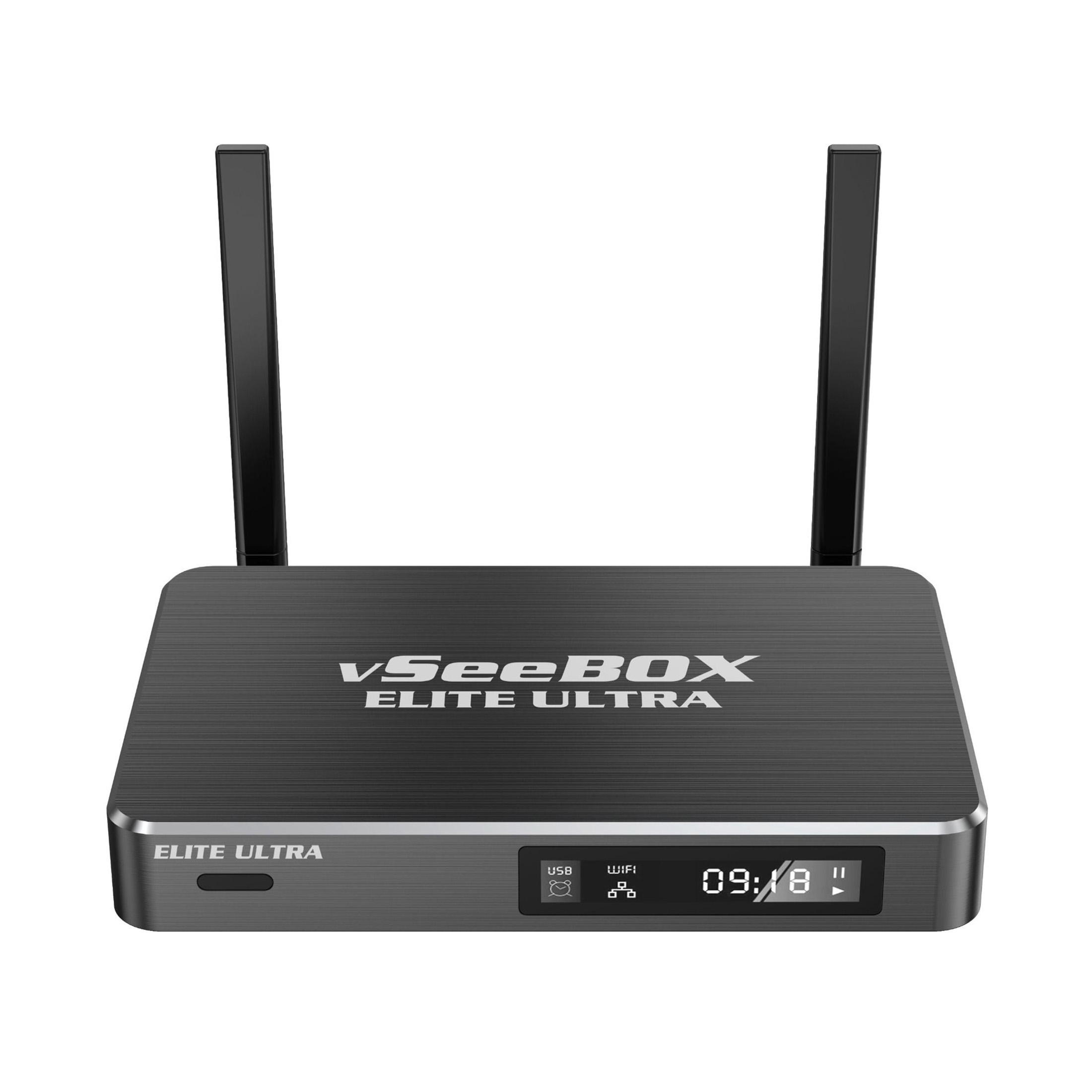
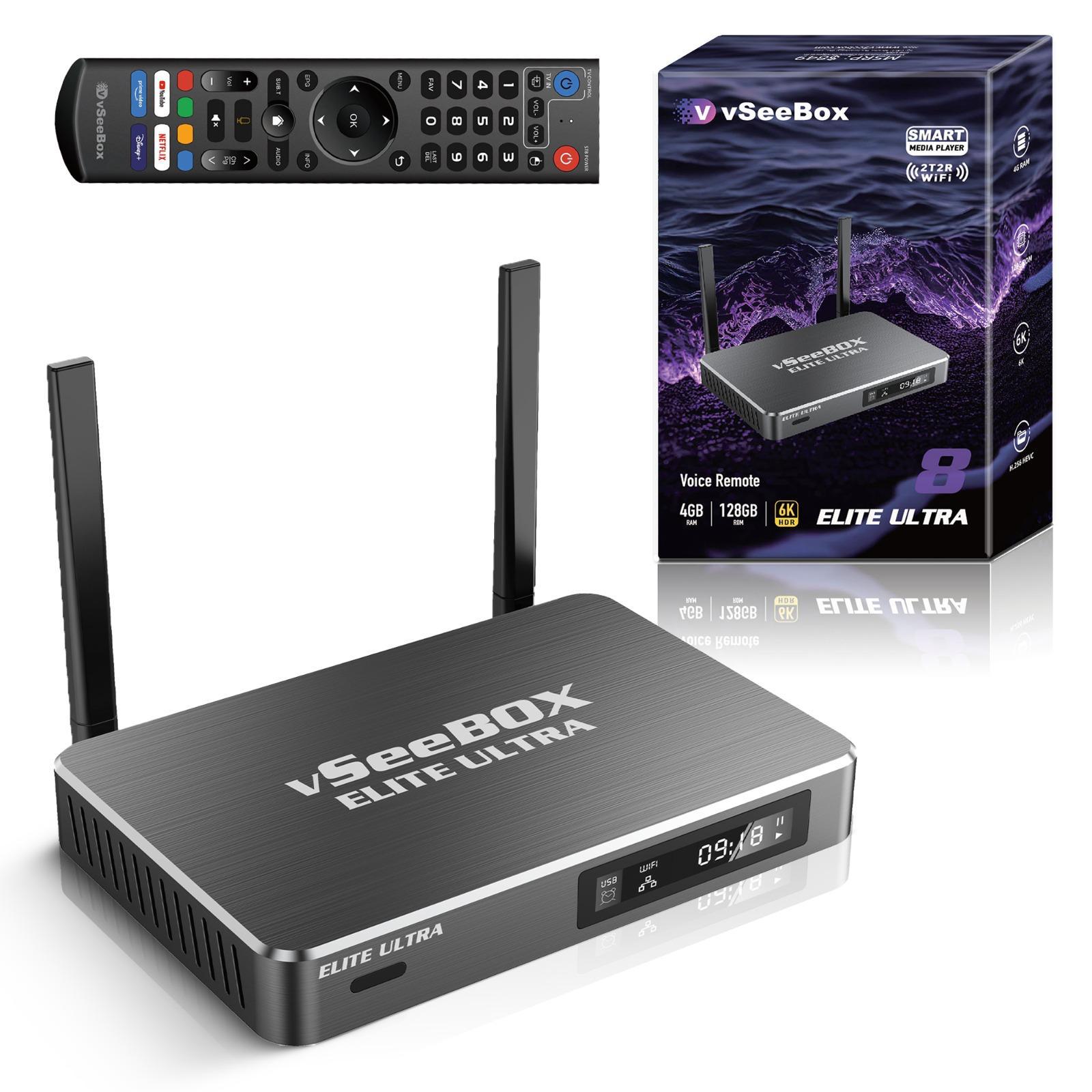
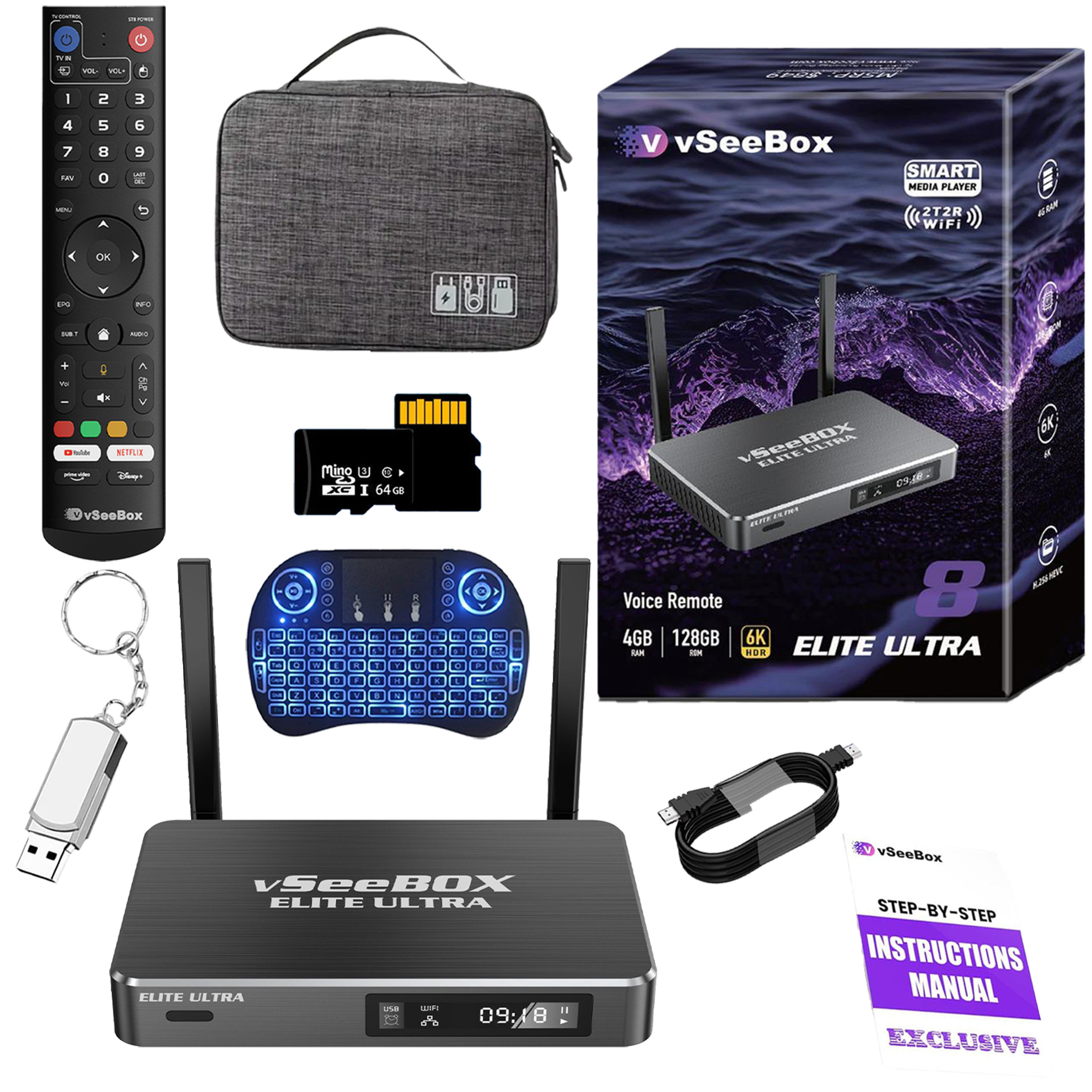
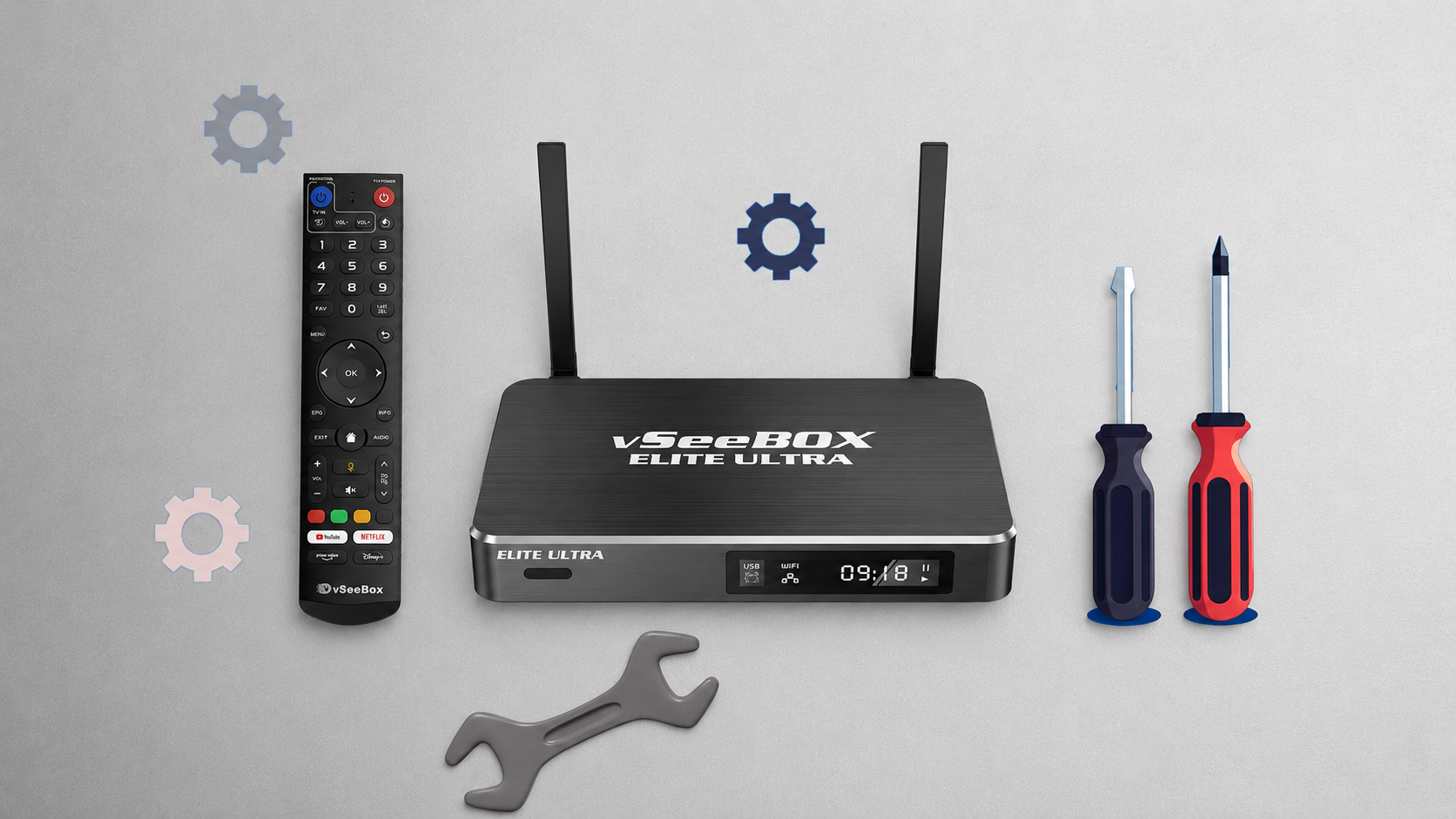
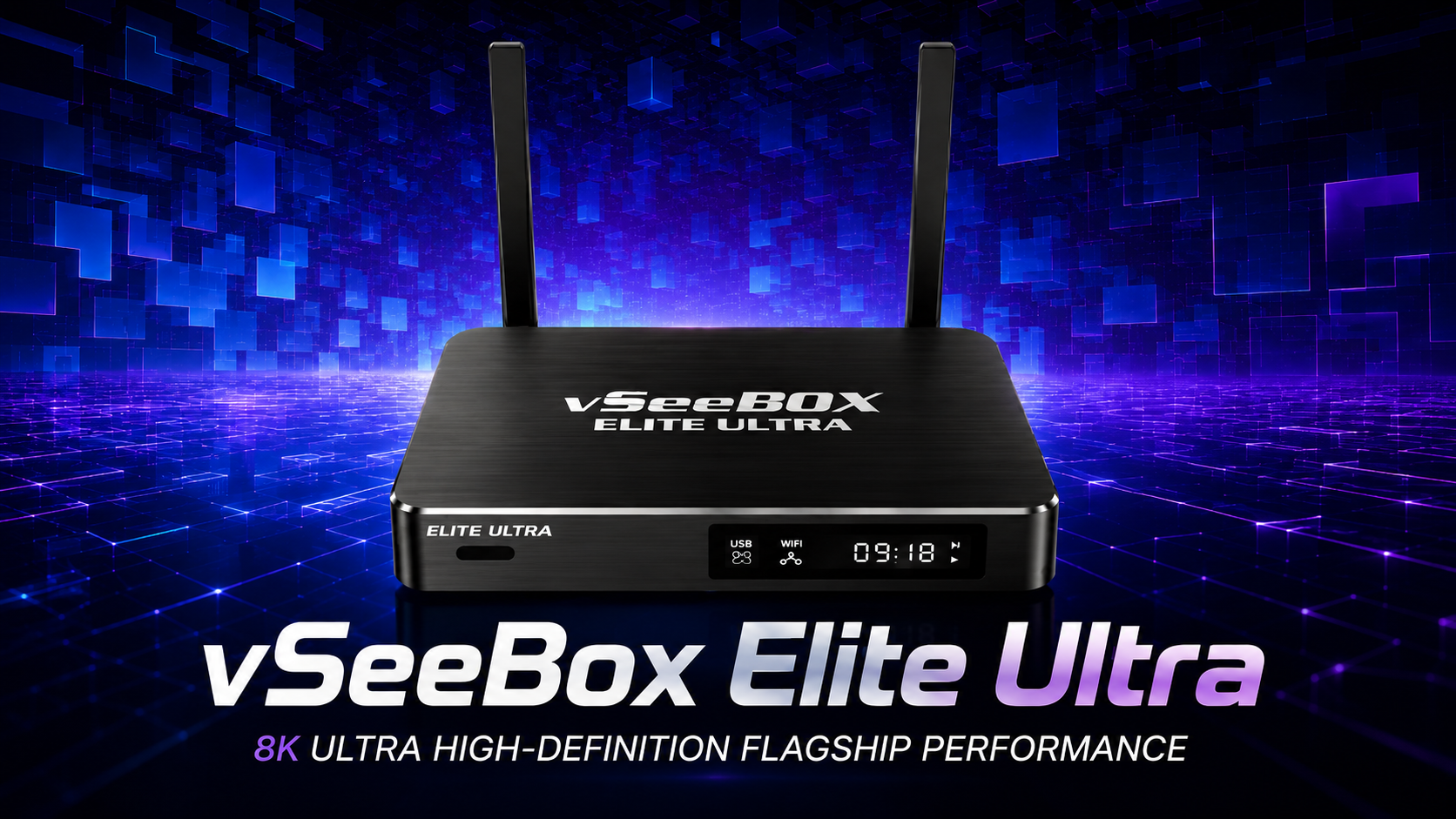
vSeeBox Elite Ultra
🔹 Dual-band 2T2R Wi-Fi 6 for faster, more stable connections
🔹 8K HDR streaming for stunning picture quality
🔹 Exclusively offers rewind and pause functions
🔹 Powered by Android 12 with regular OTA updates
🔹 Equipped with Heat Backup for uninterrupted viewing
- New: Latest Android 14.0 Operating System
- New: High-Performance Amlogic S905Y5 Chipset for Rapid Processing
- New: All-New Architectural Mold Design for Enhanced Aesthetics and Airflow
- New: Intelligent Split-Screen Functionality for Advanced Multitasking
- New: Built-in Parental Control & System Security Management
- New: Automatic OTA Firmware Updates for Continuous System Optimization
- New: Precision Backlit Bluetooth Voice Remote with Google Assistant
- Upgraded: Dual-Band Wi-Fi 6 (MIMO 2T2R) & 100M Ethernet for Ultra-Stable Connections
- Hardware: 4GB DDR3 RAM + 32GB eMMC Internal Storage
- Processor: Quad-Core 64-bit ARM Architecture for Superior Computing Efficiency
- Video Output: Supports Native 8K@60fps, 10-bit HDR, and 8K Ultra-High-Definition Decoding
- Audio: Professional H.265/HEVC & Advanced Digital Audio Decoding
- Pre-Loaded Apps: Please contact customer service for full details
-
New: Android 14.0 TV System
-
New: Split-Screen Multitasking Mode for Enhanced Productivity
- New: AI-Enhanced Backlit Voice Remote for Smarter Navigation
-
New: Upgraded Cooling System for Greater Stability and Longevity
-
Wi-Fi 6 Supported for Ultra-Fast Dual-Band Connectivity (2.4G/5G)
-
Google Assistant Compatible for Effortless Voice Commands
-
Upgraded: 64GB Internal Storage for More Apps and Media
-
4GB DDR4 RAM for Smooth and Responsive Multitasking
-
64GB eMMC Internal Storage for Enhanced App Capacity
-
Supports 8K HDR Output with Advanced 8K Video Decoding
-
Quad-Core ARM Cortex-A55 Processor for Faster, More Efficient Performance
The vSeeBox V6 Plus redefines Android TV streaming with powerful multitasking, brilliant 8K clarity, and intelligent voice control — designed for the ultimate 2026 smart home entertainment experience.
-
New: Android 14.0 TV System
-
New: AI-Enhanced Backlit Voice Remote for Smarter Navigation
-
New: Dual Cooling System for Stable, Ultra-Performance Streaming
-
New: Next-Gen Amlogic S928X Processor for Lightning-Fast Processing
-
Wi-Fi 6 Supported (2.4G/5G Dual Band, Low Latency & High Stability)
-
Dolby Vision & Dolby Atmos Supported for True Cinematic Sound and Visuals
-
Upgraded: AV1 10-bit Video Decoding for Enhanced Clarity and Efficiency
-
4GB DDR4 RAM for Faster Response and Smooth Multitasking
-
64GB eMMC Internal Storage for More Apps and Seamless Playback
-
Supports 8K HDR Output with Ultra-Clear Video Playback
-
Advanced AI Optimization for Smoother Performance and Lower Power Consumption

The vSeeBox V6 Max is the ultimate 8K HDR Android TV Box — faster, smarter, and designed for cinematic brilliance with next-level voice control and Wi-Fi 6 speed.
-
New: Android 12.0 Operating System
-
New: Live Ultra App v4.9.5 – Multi-Track Audio, Subtitle Selection & 1-Hour Time-Shift
-
New: 12 Premium Fully-Loaded TV Suite for Entertainment Viewing
-
New: Built-in Parental Control
-
New: Automatic OTA Firmware Updates for Seamless Performance
-
New: Heat Backup Auto-Failover System for Continuous Streaming Stability
-
New: Intuitive Bluetooth Voice Remote with Google Assistant
-
Upgraded: Dual-Band Wi-Fi 6 (RTL8822CS 2T2R) & 100M Ethernet for Faster, More Reliable Connections
-
Hardware: 4GB DDR3 RAM + 128GB eMMC Internal Storage
-
Processor: Quad-core ARM Cortex-A53 for Smooth Multitasking
-
Video Output: Supports 8K@60fps, 4K Ultra HDR, and 8K Video Decoding
-
Audio: Advanced H.265/HEVC & Dolby Audio Decoding
-
Pre-Loaded Apps: Please contact customer service for full details
vSeeBox collection
A Cinematic Experience At Home
Cozy Nights With Endless Streaming
Infinite Choices - One Box
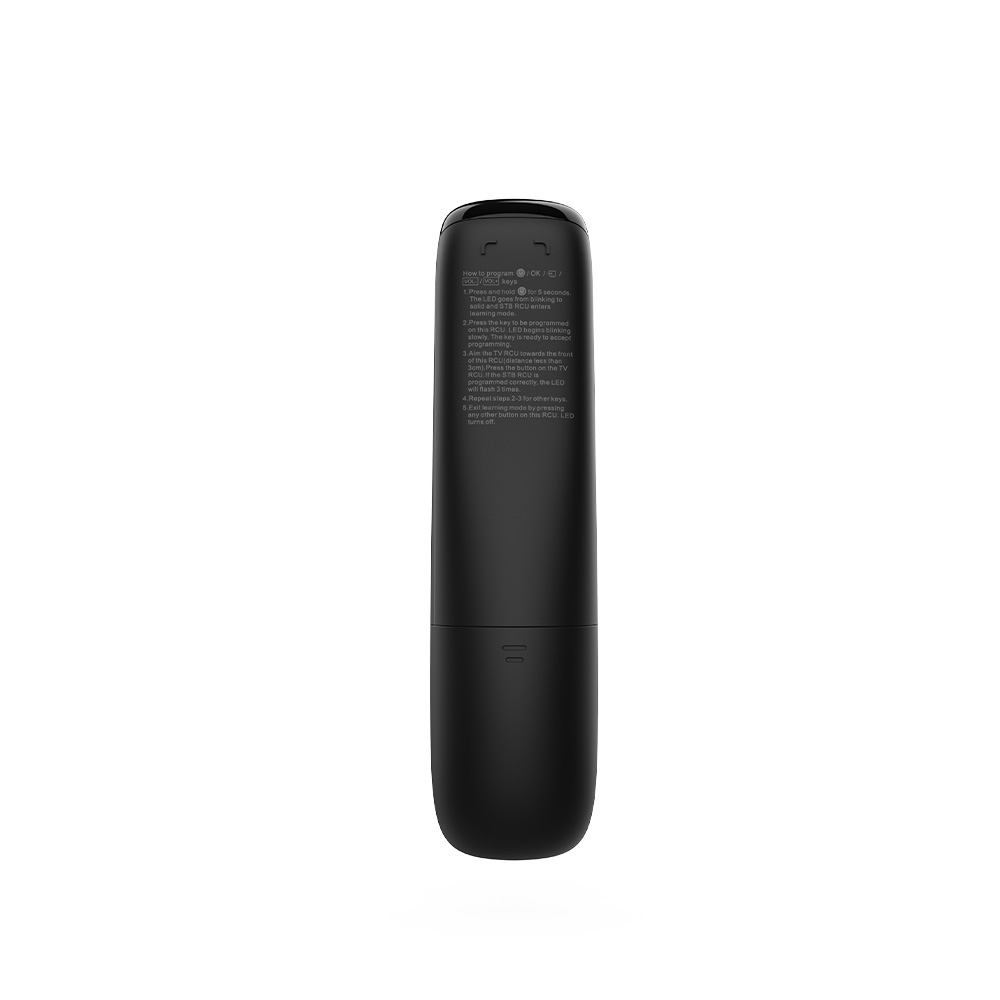
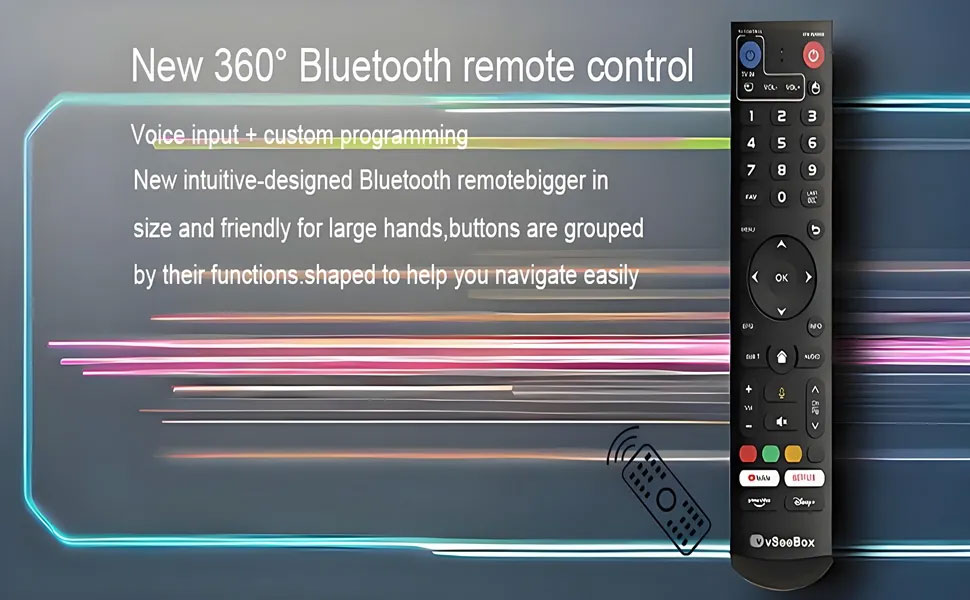
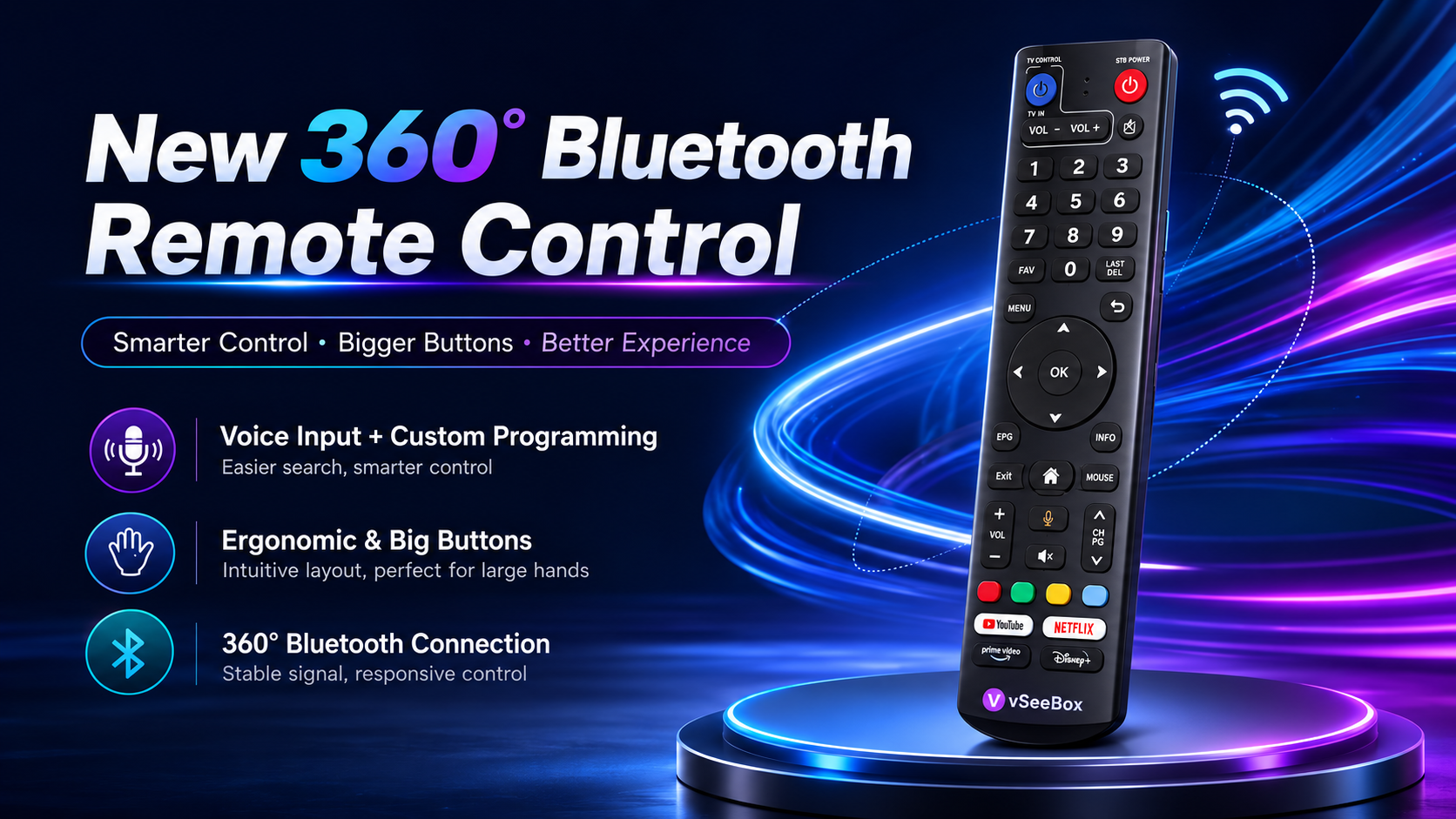
Bluetooth Remote Control
Enjoy More With The Accessories
General Question
1.What is vSeeBox?
2.Is vseebox legal?
Yes, vSeeBox is legal in the US. There have been several contemplations regarding the legality of the android TV box since its launch because the features used in the TV box are mainly applicable for mobile phone devices.
However, the company has declared that no one will have to face any legal issues for using the vSeebox. But yes, if you are accessing digital TV without paying for the same, you will have to confront the legal department since streaming anything without having a subscription is a crime.
So, before you stream anything over the internet through the android TV box, make sure you have the subscription license so that there will be no problem in the future. Rest assured, you can get the product on our website buy it from our site as it’s completely legal.
3. Where can I use the vSeeBox?
4. Any requirements for using vSeeBox?
5. Do I need a VPN to use vSeeBox?
6. Can I install my apps on vSeeBox?
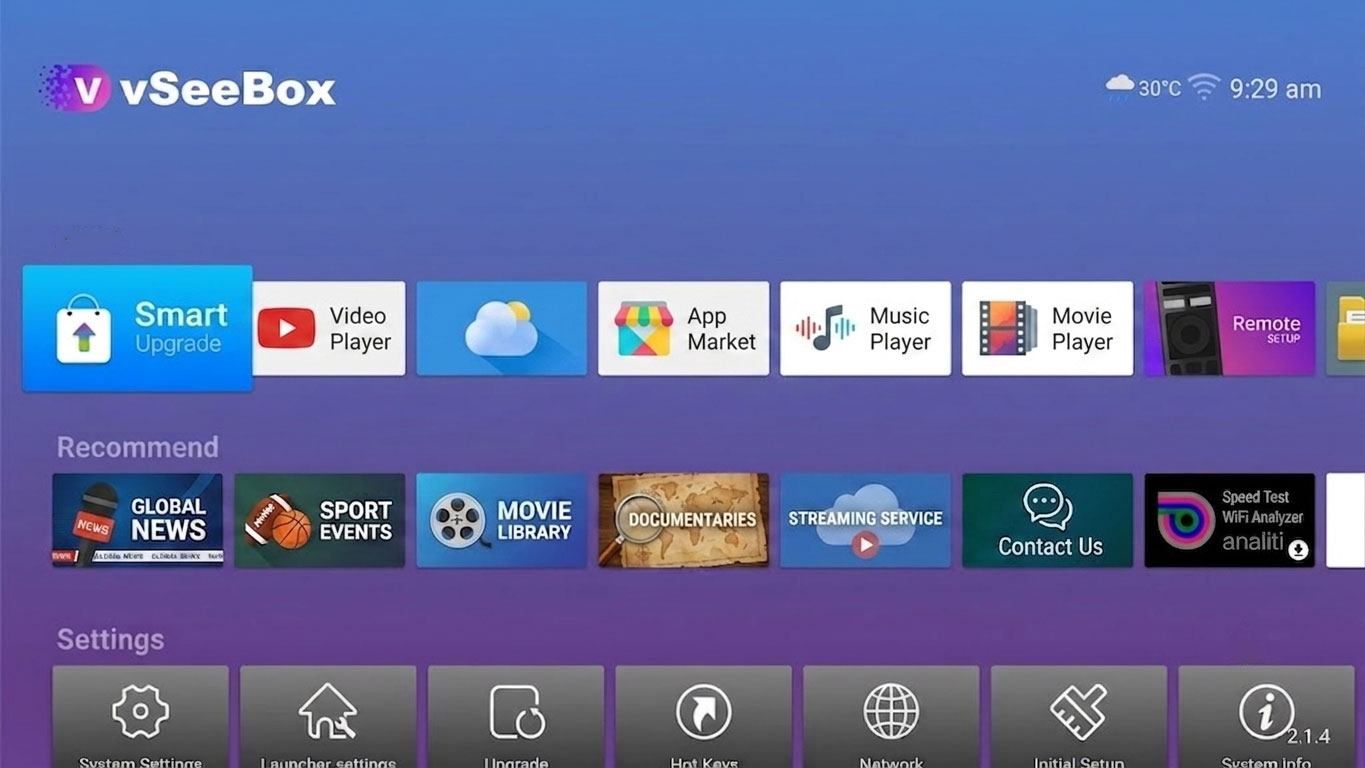
For some 3rd party apps out of the Google Play Store, you can visit the Market on Home Page. We have added some common 3rd party apps in the Market for easy downloading and installation.
7. What internet speed do I need for using vSeeBox?
you can adjust the picture quality from high quality to low quality. For high quality, we recommend a 15Mbps network for seamless streaming without buffering.
8. What type of TF card can be used and the maximum storage?
9.What TV can you enjoy? And Can you use the service without the box?
10.CAN I INSTALL APPS ON VSEEBOX?
Yes absolutely! vSeeBox is highly compatible with Google Android TV system. We recommend using Google Play Store to get all the official apps such as Netflix, YouTube TV, Disney+ there.
For some 3rd party apps out of Google Play Store, you can visit the Market on Home Page. We have added some common 3rd party apps in the Market for easy downloading and installation.
11.HOW CAN I CHANGE THE PICTURE QUALITY?
Some of our VODs have different quality versions for you to choose from. You can adjust according to your network environment. Press Menu button on your remote during the VOD streaming, in Quality, you can choose High / Normal / Low quality, high quality maybe up to 4K version
12.HOW CAN I SET A MOVIE OR TV SERIES TO MY FAVORITE?